

Dongles & Converters Products
The Core of Visual Computing
Graphics cards are the unsung heroes of modern computing, taking the burden of visual processing away from the CPU and dedicated to rendering intricate graphics with unparalleled speed and fidelity. They are crucial components among all Computer & laptop accessories, defining the visual experience whether you're gaming at ultra settings, editing high-resolution video, or performing complex scientific visualizations. A robust GPU is not just an upgrade; it's a transformation of your entire computing interaction.
Understanding GPU Architecture and Generations
Modern GPUs are incredibly complex processors, featuring thousands of cores optimized for parallel processing. NVIDIA's Ampere and Ada Lovelace architectures, and AMD's RDNA2 and RDNA3 architectures, represent the cutting edge, offering significant advancements in raw performance, energy efficiency, and feature sets like real-time ray tracing and AI-powered upscaling technologies such as DLSS and FSR. Each generation brings improvements, often demanding more power but delivering exponentially better graphical output. Selecting a card from the latest generations ensures you have access to current technologies and driver support for years to come.
Key Specifications and Their Impact
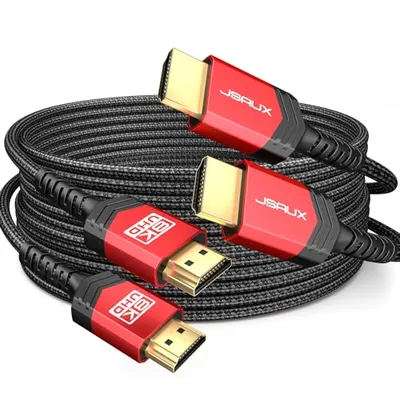
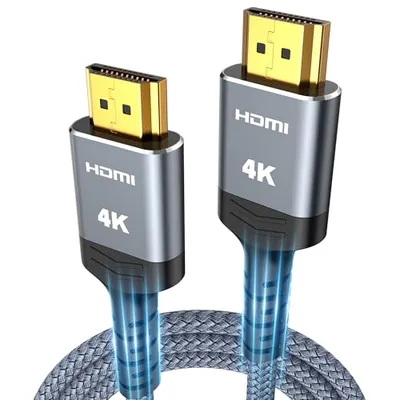
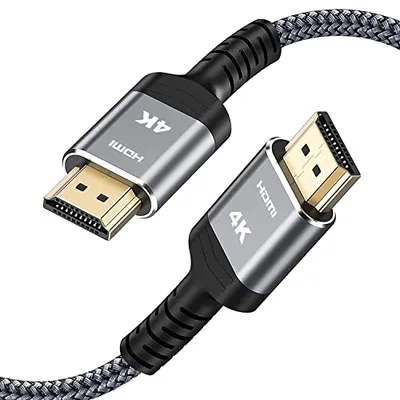
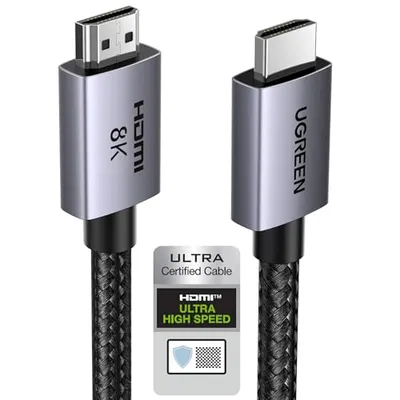
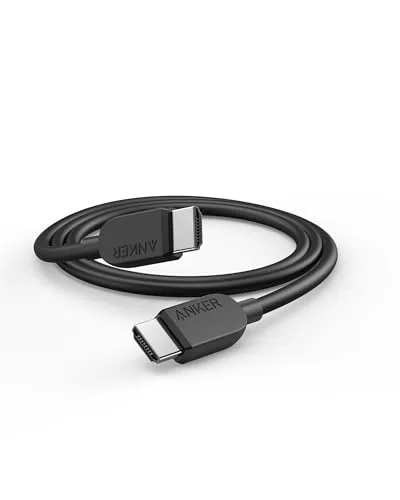
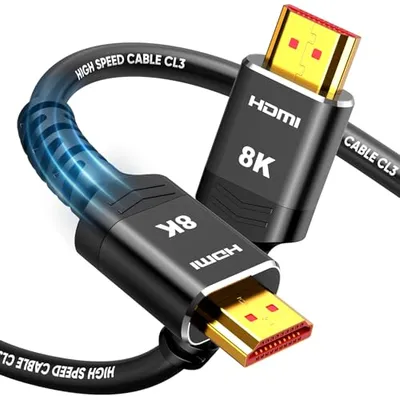
When evaluating a graphics card, several specifications stand out. The GPU core itself dictates the raw processing power, measured in clock speed and the number of processing units (CUDA cores for NVIDIA, Stream Processors for AMD). VRAM (Video Random Access Memory) is equally vital, storing textures and graphical data. More VRAM is essential for high-resolution gaming (e.g., 4K) and professional applications dealing with large datasets. A graphics card's interface, typically PCIe x16, ensures high-bandwidth communication with the motherboard. For output, modern cards typically offer multiple DisplayPort and HDMI cable ports, allowing connectivity to high-refresh-rate monitors and TVs. Ensure your monitor inputs match the outputs of your chosen GPU, or plan for a suitable adapter.
Power and Cooling Requirements
High-performance graphics cards are power-hungry components, requiring a capable Power Supply Unit (PSU) with sufficient wattage and the correct PCIe power connectors (e.g., 8-pin, 12VHPWR). Inadequate power can lead to instability or system crashes. Equally important is the cooling solution. Graphics cards generate significant heat, and an effective cooler – whether it's an air-cooled system with multiple fans or a more advanced liquid cooling setup – is essential for maintaining optimal temperatures, preventing thermal throttling, and ensuring longevity. Consider your PC case airflow and overall system acoustics when making your choice.
Connecting Peripherals and Enhancing Your Setup
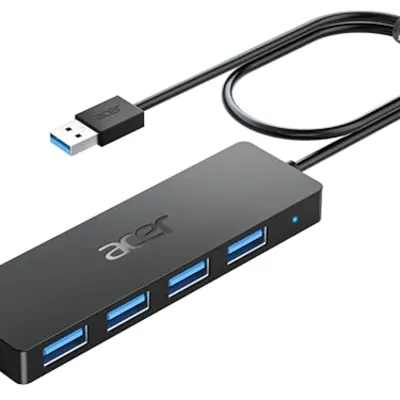
Beyond the core display output, the broader ecosystem around your graphics card impacts your experience. While directly connecting a graphics card, you might occasionally need a Dongle & Converter for older display types or for specific multi-monitor setups that require adapting a DisplayPort to DVI, for instance. Furthermore, a high-end system built around a powerful GPU often benefits from a complete suite of peripherals. For example, enhancing your gaming or workstation setup might involve connecting wireless headsets or controllers, which could seamlessly integrate into your system via a Bluetooth Dongle. These various accessories and connectivity solutions work in concert with your graphics card to create a truly immersive and productive computing environment, illustrating how the graphics card sits at the heart of a comprehensive digital experience, extending its influence across a wide range of essential components and peripherals.