
Elevating Your Digital Presence: A Comprehensive Webcam Guide
Understanding Core Webcam Technologies
Modern webcams leverage sophisticated imaging sensors, often CMOS, to capture high-definition video. The quality is primarily driven by the sensor size, lens elements, and the image signal processor (ISP) which handles tasks like noise reduction, color correction, and dynamic range optimization. Advanced models integrate AI-powered features such as auto-framing, which keeps you centered in the shot, and background removal without requiring a green screen. These capabilities transform a standard video call into a more engaging and professional interaction.
The Role of Resolution and Optical Clarity
While marketing often highlights 4K resolution, it is crucial to understand that resolution alone does not guarantee a superior image. The optical quality of the lens system plays a monumental role, determining sharpness, distortion, and light gathering ability. A good webcam features multi-element glass lenses that minimize chromatic aberration and produce crisp images even at lower resolutions like 1080p. Effective compression codecs, like H.264, are also vital for transmitting high-resolution video efficiently over varying internet bandwidths.
Integrating Webcams into Your Digital Ecosystem
A high-performance webcam is a cornerstone of an effective digital workspace, seamlessly integrating with various components to create a cohesive user experience. While your webcam ensures your visual presence is impeccable, the overall functionality relies on a robust supporting infrastructure. This includes not just your primary computing device but also a range of peripherals and accessories that enhance productivity and protect your investment.
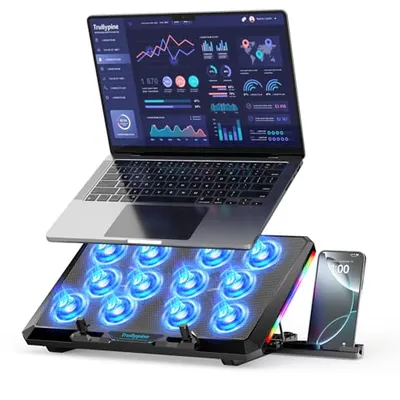
Consider how your webcam connects to your laptop or desktop. Many are plug-and-play via USB, but ensuring your computer's ports and drivers are up-to-date is essential for optimal performance. Beyond the webcam itself, the broader category of Laptop accessories encompasses a wide array of devices that complement your setup, from external monitors to docking stations. For professionals requiring specialized input, tools like Light pens can be used in conjunction with a webcam during presentations, allowing for interactive annotations or digital whiteboard collaboration that can be streamed live.
Ensuring System Reliability and Portability
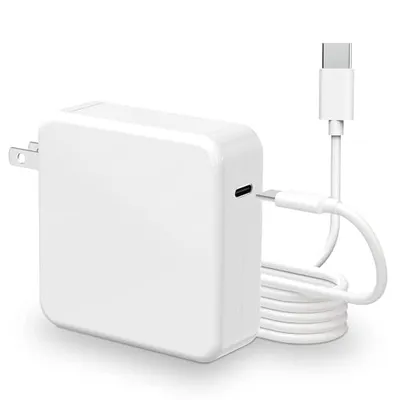
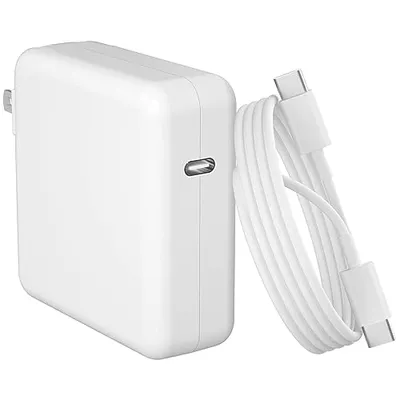
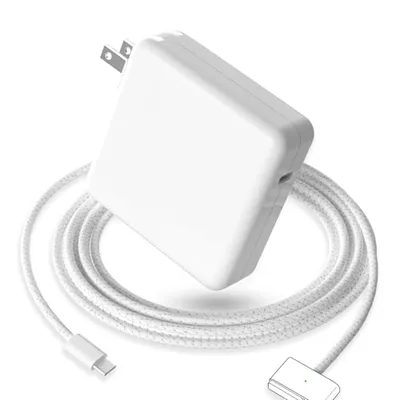
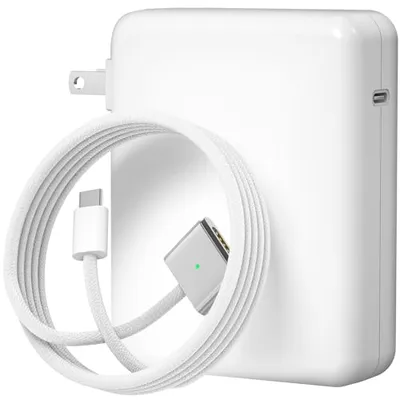
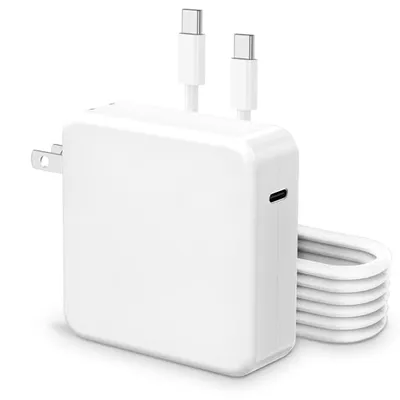
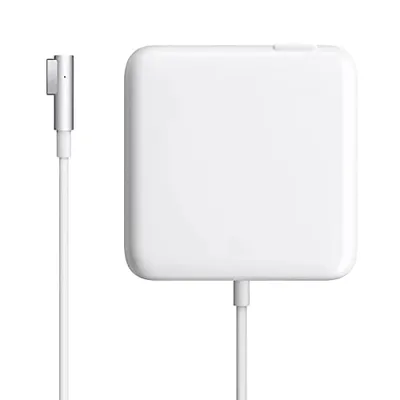
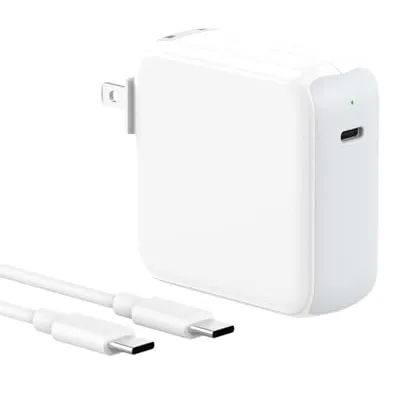
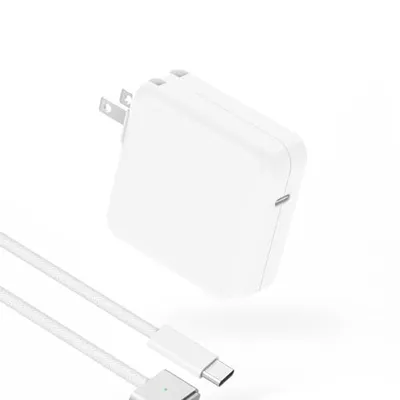
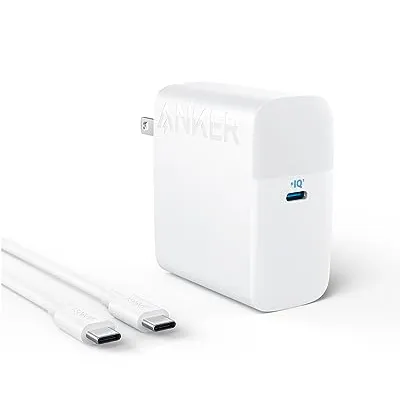
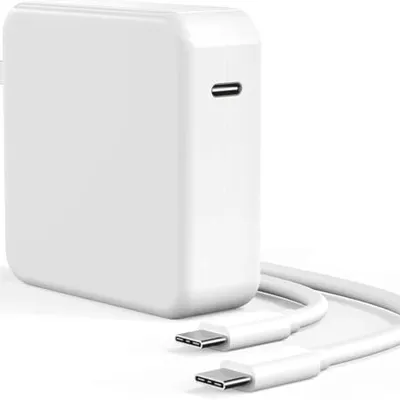
The reliability of your computing device directly impacts your webcam's performance. For laptop users, maintaining power is paramount. Reliable Laptop Batteries ensure prolonged usage away from power outlets, while efficient Laptop Chargers are critical for quick power replenishment. Protecting your device, especially for those on the go, is achieved through a sturdy Laptop bag & cover, safeguarding against physical damage. Personalizing your device with laptop skins can also enhance its aesthetic appeal without compromising functionality.
Furthermore, the internal components of your laptop are foundational to its overall responsiveness. Upgrading or ensuring the health of your laptop internal hard drives can significantly improve system speed and storage capacity, which in turn benefits applications that utilize the webcam, such as video recording and streaming software. Similarly, a comfortable and functional replacement laptop keyboards ensures efficient data entry and navigation, contributing to a smoother overall digital interaction, whether you're typing notes during a video call or managing content creation software.