


Deep Dive: Optimizing Your Data Workflow with Advanced SD Card Reader Technology
Understanding USB Standards and Throughput
The performance of an SD card reader is fundamentally tied to its USB interface. While older readers relied on USB 2.0 (480 Mbps theoretical), modern professional workflows demand USB 3.0 (now officially USB 3.1 Gen 1 or USB 3.2 Gen 1, offering 5 Gbps), USB 3.1 Gen 2 (10 Gbps), or even Thunderbolt (up to 40 Gbps for Thunderbolt 3/4). A common misconception is that a fast card alone guarantees speed; a reader limited to USB 2.0 will severely bottleneck even the fastest UHS-II SD cards. For instance, a UHS-II V90 card capable of 300 MB/s read speeds will only achieve ~40 MB/s on a USB 2.0 reader, whereas a USB 3.0 reader can leverage its full potential. USB-C ports on modern computers often support higher USB standards and more robust power delivery, so pairing a USB-C reader with a compatible USB-C port is often the most direct path to maximum speed and stability.
Decoding SD Card Types and Reader Compatibility
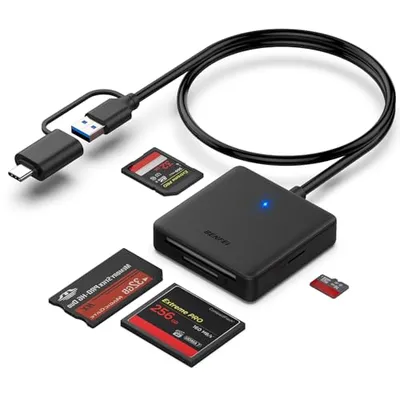
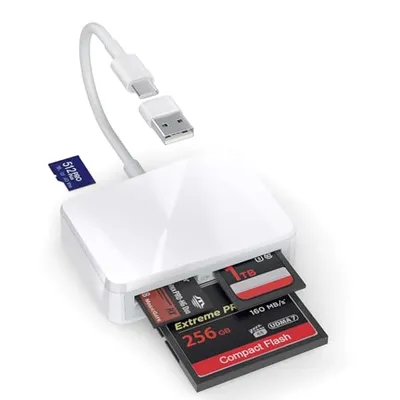
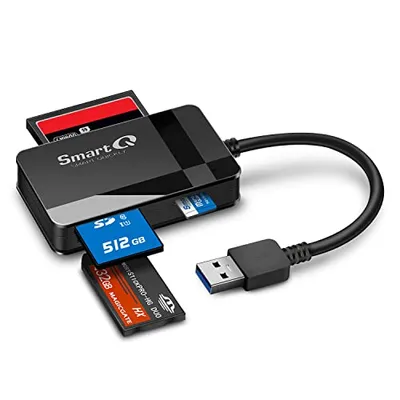
SD cards come in various formats, each with specific speed capabilities. While standard SD cards are largely obsolete in professional contexts, SDHC (High Capacity) and SDXC (Extended Capacity) denote capacity ranges. The critical factor for speed is the Ultra High Speed (UHS) interface. UHS-I cards feature a single row of pins and max out around 104 MB/s, typically identified by a 'I' symbol. UHS-II cards, distinguished by an additional row of pins, enable theoretical speeds up to 312 MB/s and often carry a 'II' symbol. Critically, a UHS-II card requires a UHS-II compatible reader to achieve these higher speeds; inserting a UHS-II card into a UHS-I reader will revert it to UHS-I speeds. Video Speed Class ratings (V30, V60, V90) further specify sustained write speeds essential for high-resolution video recording, and a capable reader must be able to handle these sustained data rates during transfer. Some advanced readers also incorporate slots for other professional media like CFexpress, XQD, or CompactFlash, providing a versatile solution for multi-camera setups with diverse media.
Form Factor, Connectivity, and Power Considerations
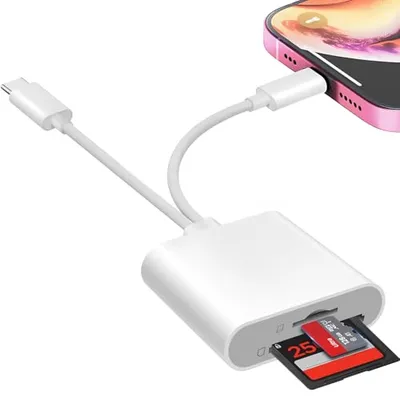
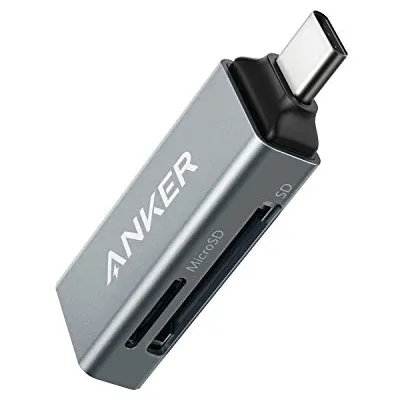
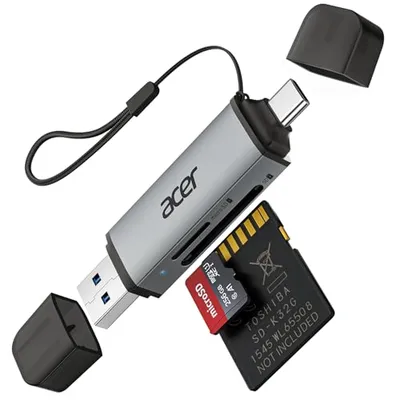
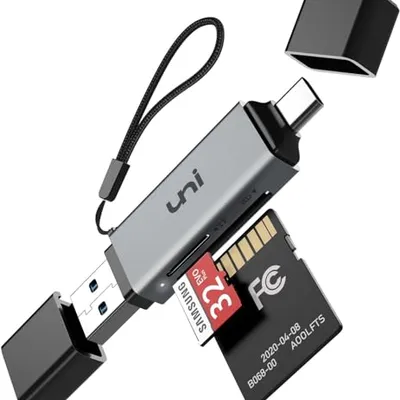
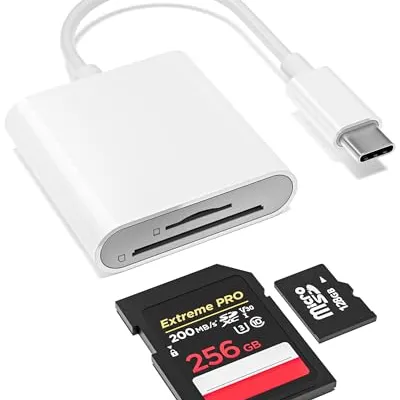
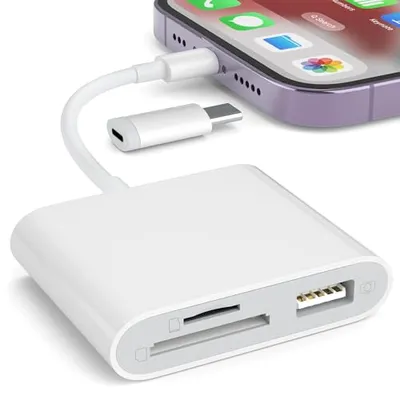
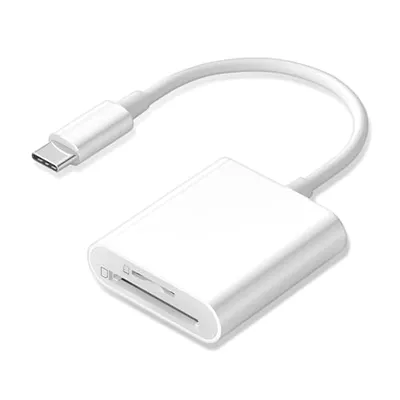
The physical design of an SD card reader significantly impacts its usability. Compact, bus-powered readers are ideal for on-the-go professionals, often featuring an integrated USB-A or USB-C connector for immediate plug-and-play functionality. Desktop readers, conversely, might be larger, offer multiple card slots (e.g., SD, microSD, CF), and sometimes include additional USB hub functionality, serving as a central media offload station. While most SD card readers are bus-powered (drawing power directly from the host USB port), ensuring your computer's USB port can deliver sufficient power is important, especially for readers handling multiple cards simultaneously or executing high-demand transfers. USB-C's enhanced power delivery (PD) capabilities make it a superior choice for robust connections. Evaluating the cable length, whether it's integrated or detachable, and the overall quality of connectors can also influence convenience and potential points of failure over time. The ultimate goal is to minimize transfer times and potential data corruption, ensuring your valuable photographic and videographic assets are offloaded swiftly and securely into your workflow.