





Comprehensive Guide to Computer Interconnectivity
Understanding the Core of Digital Connectivity
The intricate world of computer cables and adapters forms the critical backbone for data transmission, power distribution, and multimedia signal delivery within any computing environment. Far from being simple wires, modern cables are engineered precision tools, each designed to meet specific technical demands and uphold the integrity of the data or power they transmit. Choosing the correct cable involves a nuanced understanding of protocols, bandwidth requirements, signal-to-noise ratios, and physical form factors. Incorrect selection can lead to performance bottlenecks, intermittent connectivity, data loss, or even hardware damage.
Specialized Cable Categories and Their Applications
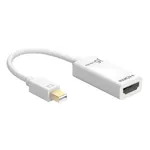
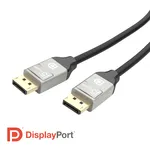
Diving deeper into the various categories reveals the specialized nature of these essential components. Video Cables, encompassing technologies like HDMI, DisplayPort (DP), and VGA, are crucial for transmitting visual data to monitors, projectors, and televisions. HDMI excels in high-resolution digital video and audio, supporting advanced features like HDR and high refresh rates. DisplayPort offers similar high-performance capabilities, often preferred in professional and gaming setups for its flexibility and multi-monitor support. VGA, while older and analog, remains relevant for legacy systems.
Audio Cables are designed specifically for sound transmission, ranging from simple 3.5mm jacks to more complex digital audio interfaces, ensuring clear and accurate sound reproduction for speakers, headphones, and audio peripherals. The integrity of audio signals is paramount for a rich multimedia experience.
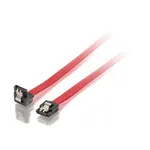
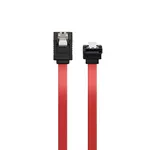
For internal storage solutions, SATA & SAS Cables are indispensable. SATA cables connect hard drives and SSDs to the motherboard for data transfer, while SAS (Serial Attached SCSI) cables offer higher performance, greater reliability, and more robust connectivity options for enterprise-grade servers and storage arrays, supporting multiple devices per port.
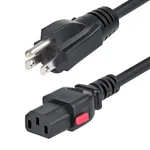
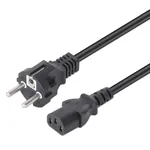
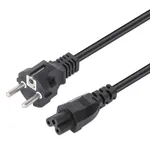
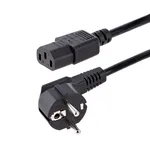
Power delivery is handled by Power Cables, which include internal PSU cables for components like GPUs and motherboards, as well as external AC power cords. These cables must meet stringent safety standards and provide reliable power flow, matching the voltage and current requirements of the connected hardware to prevent instability or damage.
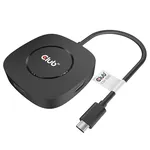
Universal connectivity is largely dominated by USB Cables. From USB 2.0 to the latest USB4, these cables facilitate data transfer, peripheral connectivity, and power delivery (via USB Power Delivery) for an immense range of devices including keyboards, mice, printers, external drives, and charging portable electronics. The evolution of USB standards continually pushes the boundaries of speed and versatility.
Thunderbolt Cables, building upon the USB-C connector, offer even higher bandwidth, integrating PCI Express and DisplayPort capabilities over a single cable. This allows for unparalleled versatility, enabling connection to external GPUs, multiple high-resolution displays, and high-speed storage devices simultaneously, making them a preferred choice for professionals requiring maximum performance.
Beyond external connections, Internal Computer Cables manage the intricate wiring within a computer chassis, connecting components like fans, front panel I/O, and specialized expansion cards to the motherboard, ensuring proper functionality and airflow.
Finally, for extremely high-bandwidth and long-distance data transmission, Fibre Optic Cables utilize light pulses to transfer data, offering immunity to electromagnetic interference and significantly greater reach compared to copper-based solutions. These are critical in networking, data centers, and advanced AV installations where signal integrity over distance is paramount.