







A Comprehensive Guide to PC Cooling Technologies
The Essentials of PC Thermal Management
Modern computing hardware, from high-performance CPUs to powerful GPUs, generates substantial heat. Without adequate thermal management, these components can experience thermal throttling, reducing performance and potentially shortening their lifespan. An effective cooling system is therefore not merely an accessory but a fundamental requirement for a stable and high-performing PC.
Diving into CPU Cooling Solutions
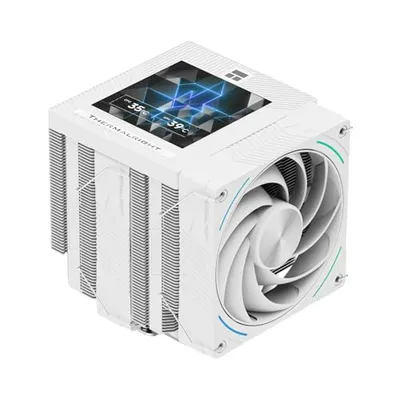
The central processing unit (CPU) is often the hottest component in a PC, making robust dedicated CPU Cooling essential. Options range from traditional air coolers, which use heatsinks and fans to dissipate heat, to advanced liquid cooling systems. Air coolers vary widely in size and efficiency, with larger tower coolers offering excellent performance for even overclocked processors. They are generally more affordable and simpler to install. Factors like your CPU's Thermal Design Power (TDP) directly influence the size and type of CPU cooler required to maintain safe operating temperatures under various workloads.
Exploring the World of Liquid Cooling
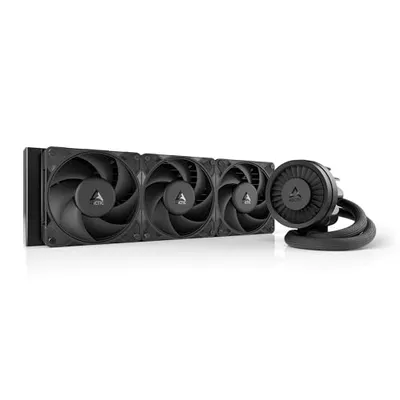
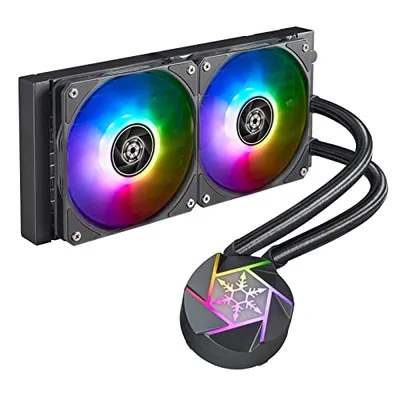
For those seeking superior thermal performance and often quieter operation, Liquid Cooling solutions are an excellent choice. This category primarily includes All-in-One (AIO) coolers and custom liquid loops. AIOs are closed systems that come pre-filled and require minimal maintenance, offering significant cooling advantages over many air coolers, especially in compact cases where large air coolers might not fit. Custom liquid loops, while more complex and expensive, provide the ultimate in cooling performance and aesthetic customization, allowing users to cool multiple components like the CPU, GPU, and even RAM with a single, integrated system.
Optimizing Airflow with Case Fans
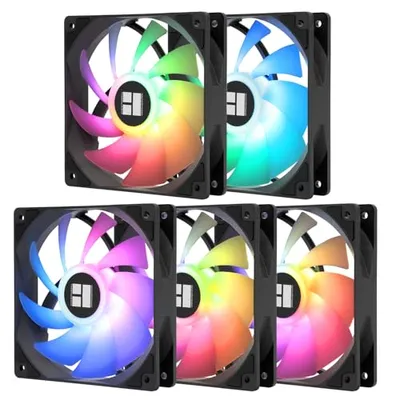
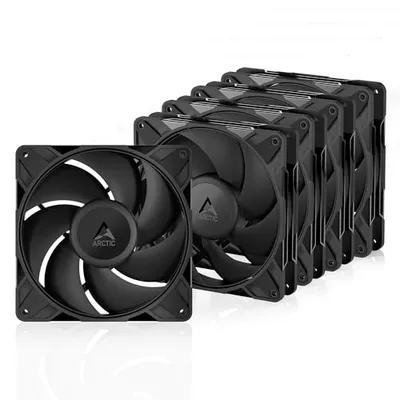
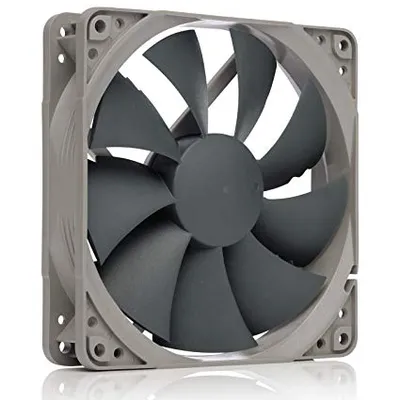
Beyond component-specific cooling, overall system airflow is managed by Case Fans. These fans are crucial for expelling hot air from inside the chassis and drawing in cooler ambient air, creating a positive or negative pressure environment that aids in heat dissipation. Strategic placement of intake and exhaust fans is vital. High airflow fans are ideal for unobstructed areas, while high static pressure fans excel at pushing air through restrictive radiators or dense heatsinks. Understanding the balance between airflow and static pressure is key to creating an efficient cooling setup for your entire PC.
Enhancing Your Setup with PC Cooling Accessories
To fine-tune and complete any cooling system, various PC Cooling Accessories are indispensable. This includes high-quality thermal paste, which ensures efficient heat transfer from the component to the cooler's base; fan controllers, which allow for precise adjustment of fan speeds and noise levels; anti-vibration mounts for quieter fan operation; and specialized brackets or mounting kits. These accessories play a significant role in maximizing the efficiency and longevity of your cooling hardware, often providing the marginal gains needed for optimal thermal performance.
The Science Behind PC Fans
The performance of any air-based cooling system, whether for the CPU or the case, relies heavily on the quality and configuration of PC Fans. Modern fans incorporate technologies like PWM (Pulse Width Modulation) for precise speed control, allowing them to spin up or down based on thermal demand, thus balancing performance and noise. Factors such as fan size (e.g., 120mm, 140mm), bearing type (e.g., fluid dynamic, magnetic levitation), and blade design all contribute to their acoustic and performance characteristics. Optimizing the number, placement, and speed of your PC fans is critical for achieving a balanced, effective, and quiet cooling solution for your entire system.