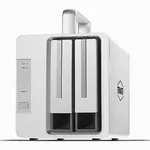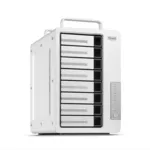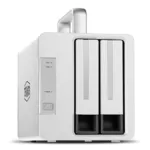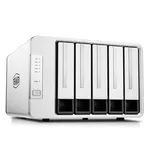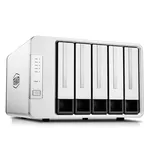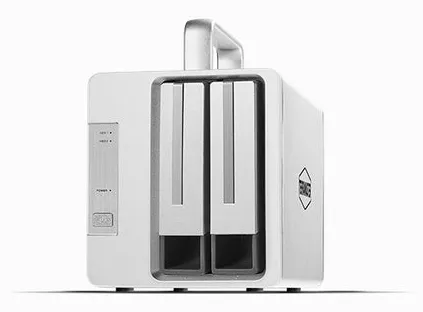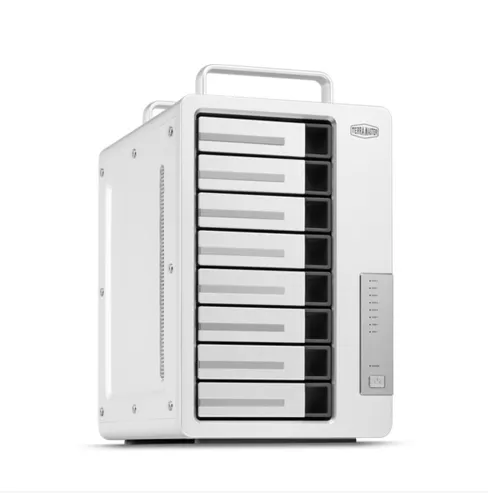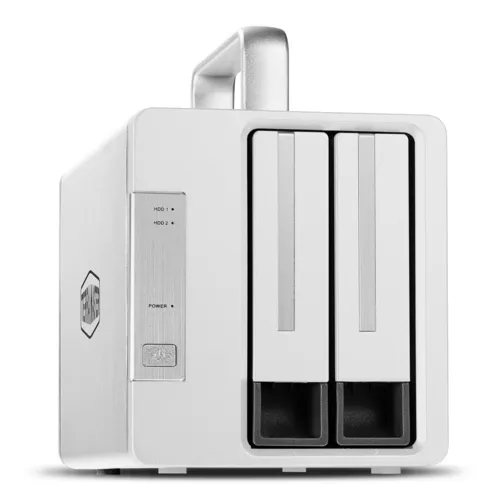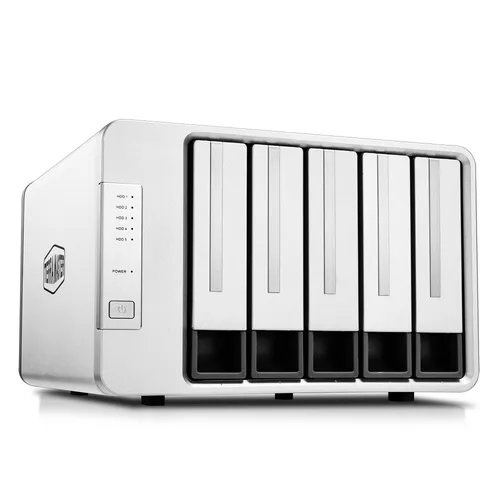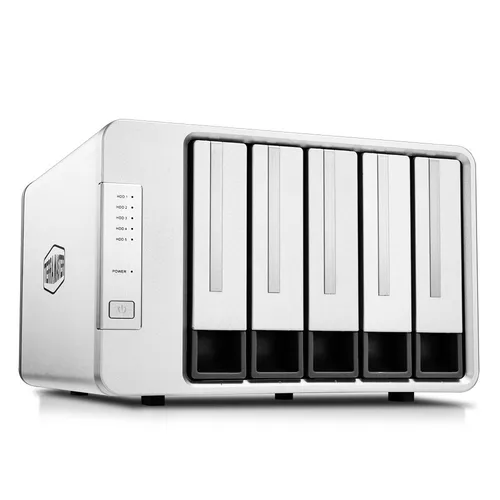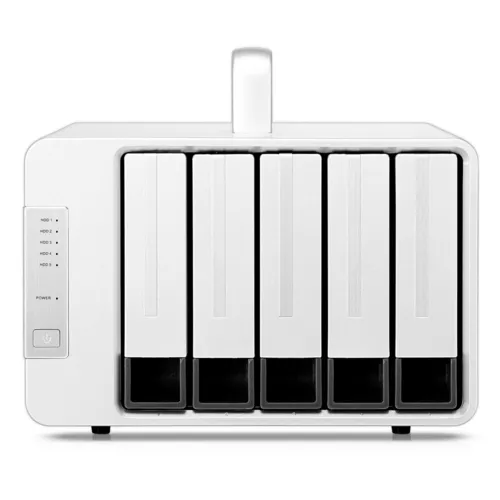


TerraMaster D5 Thunderbolt 3 5-Bay RAID Enclosure
Specifications
Storage
Storage
| Storage drives installed |
No
36% do not have it
|
|---|---|
| Installed storage drive type |
No
44% do not have it
|
| Total installed storage capacity |
0 TB
|
| Supported storage drive types |
HDD & SSD
|
| Number of storage drives supported |
5
|
| Maximum supported storage capacity |
80
TB
61% better than others
|
| Supported storage drive interfaces |
Serial ATA
|
| Storage drive sizes supported |
2.5,3.5"
|
| RAID levels |
0, 1, 5, 10, JBOD
|
| Data transfer rate |
40 Gbit/s
|
| Hot-swap drive bays |
Yes
75% have it
|
Ports & interfaces
Ports & interfaces
| USB connectivity |
No
39% do not have it
|
|---|---|
| Thunderbolt technology |
Yes
65% have it
|
| Thunderbolt ports quantity |
2
|
| Thunderbolt version |
3
|
| DisplayPorts quantity |
1
|
| DisplayPort version |
1.2
|
Design
Design
| Chassis type |
Desktop
|
|---|---|
| Product colour |
Grey
|
| LED indicators |
HDD, Power
|
| Number of fans |
2 fan(s)
|
| Noise level |
19.8 dB
|
| Fan diameter |
8
cm
63% better than others
|
| Built-in display |
No
37% do not have it
|
| Certification |
CE, FCC, CCC, KC
|
Power
Power
| Power supply unit (PSU) capacity |
120
W
27% better than others
|
|---|---|
| Number of power supply units |
1
|
| Power consumption (typical) |
76.8
W
77% better than others
|
| AC input voltage |
100-240 V
|
| AC input frequency |
50 - 60 Hz
|
| DC output voltage |
12
V
36% better than others
|
System requirements
System requirements
| Mac compatibility |
Yes
78% have it
|
|---|---|
| Mac operating systems supported |
macOS
|
| Windows operating systems supported |
Yes
94% have it
|
Weight & dimensions
Weight & dimensions
| Width |
225
mm
70% better than others
|
|---|---|
| Depth |
176
mm
21% better than others
|
| Height |
227
mm
80% better than others
|
| Weight |
2.3
kg
56% better than others
|
Packaging data
Packaging data
| Package width |
275
mm
86% better than others
|
|---|---|
| Package depth |
210
mm
85% better than others
|
| Package height |
300
mm
25% better than others
|
| Package weight |
3.5
kg
21% better than others
|
Packaging content
Packaging content
| Cables included |
AC, Thunderbolt
|
|---|---|
| Number of adapters included |
1 pc(s)
|
| Screws included |
Yes
60% have it
|
Operational conditions
Operational conditions
| Operating temperature (T-T) |
5 - 40 °C
|
|---|---|
| Operating relative humidity (H-H) |
5 - 95%
|
| Storage temperature (T-T) |
-20 - 60 °C
|
Other features
Other features
| Compliance certificates |
RoHS
|
|---|
Disclaimer: Information on this page may need review. If you notice any discrepancies, please report them

The TerraMaster D5 Thunderbolt 3 represents a significant entry into the professional storage arena, offering a high-performance, multi-bay RAID solution designed for demanding creative workflows and data-intensive environments. Its robust construction and reliance on the ultra-fast Thunderbolt 3 interface position it as a compelling option for users requiring rapid data access, seamless video editing, and reliable data protection. This enclosure supports up to five hard drives, allowing for substantial storage capacities and flexible RAID configurations to balance performance and redundancy.
Leveraging the 40Gbps bandwidth of Thunderbolt 3, the D5 aims to eliminate storage bottlenecks, a common pain point for professionals working with large media files, 4K/8K video footage, or complex datasets. The ability to configure various RAID levels (0, 1, 5, 6, 10, JBOD, Single Disk) provides granular control over how data is stored and protected. This review will delve into the technical specifications to assess its suitability for professionals seeking a high-throughput, scalable, and dependable storage infrastructure.
Key Features and Performance Considerations
At its core, the TerraMaster D5 Thunderbolt 3 is built around its connectivity. The dual Thunderbolt 3 ports not only facilitate high-speed data transfer but also allow for daisy-chaining other Thunderbolt devices, expanding the workflow possibilities. This is crucial for users who may have multiple high-bandwidth peripherals or displays they wish to connect in series without compromising performance. The enclosure's support for large-capacity drives (up to 18TB currently) means that a fully populated D5 can offer an impressive raw storage pool, which, when combined with RAID 5 or RAID 6, still provides substantial usable space with excellent data redundancy.
The unit’s design emphasizes ease of use and efficient operation. Tool-less drive installation simplifies the process of adding or replacing drives, a practical consideration for busy professionals. Furthermore, thermal management is addressed through a smart cooling system, essential for maintaining drive health and consistent performance during prolonged, heavy workloads. Understanding the specific RAID modes and their implications for performance and data safety is paramount when configuring the D5 for optimal results in diverse applications, from high-speed video editing workstations to centralized backup solutions.
Pros & Cons
Pros
What we love about this product
- High-Speed Data Transfer: Equipped with dual Thunderbolt 3 ports offering a combined bandwidth of 40Gbps, enabling rapid file transfers and smooth handling of large media files.
- Versatile RAID Support: Offers a comprehensive range of RAID modes including RAID 0, 1, 5, 6, 10, JBOD, and Single Disk, providing flexibility for performance optimization and data redundancy needs.
- Large Capacity Potential: Supports up to five 3.5-inch HDDs, with compatibility for high-capacity drives (e.g., 18TB), allowing for massive total storage solutions.
- Daisy-Chaining Capability: Features two Thunderbolt 3 ports, enabling users to connect multiple Thunderbolt devices in a chain, thereby expanding workflow connectivity.
- Tool-less Drive Installation: Designed for convenience, allowing for quick and easy installation or replacement of hard drives without the need for specialized tools.
Cons
Points to consider before buying
- No Direct USB Connectivity: Exclusively relies on Thunderbolt 3 for connectivity, meaning users without Thunderbolt 3 ports on their host system cannot utilize the device.
- RAID Management Software: While functional, the RAID management interface may be less intuitive or feature-rich compared to some higher-end enterprise solutions.
- No Built-in Redundancy for Power Supply: Features a single internal power supply unit, which could be a single point of failure in mission-critical environments.