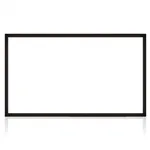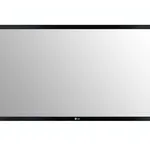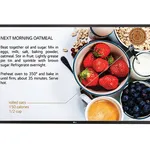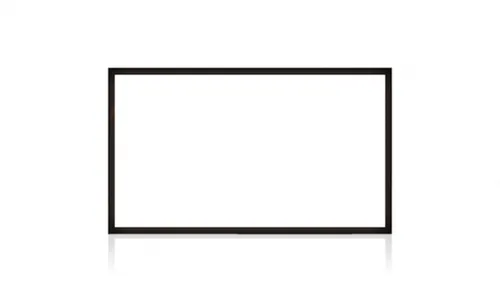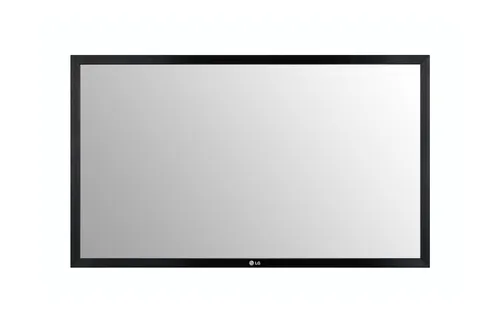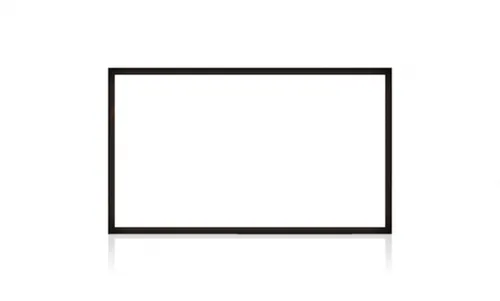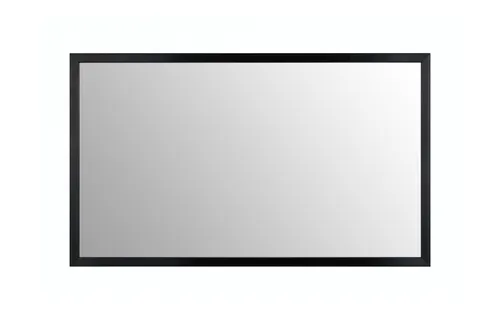


LG KT-T49E Touch Screen Overlay
Specifications
Features
Features
| Display diagonal |
124.5 cm (49")
|
|---|---|
| Display diagonal (metric) |
124.46
cm
24% better than others
|
| Touchscreen technology |
Infrared
|
| Touch technology |
Multi-touch
|
| Interface |
USB
|
| USB version |
2.0
|
| Number of simultaneous touchpoints |
10
41% better than others
|
| Response time |
9 ms
|
| Light transmission |
85
%
33% better than others
|
| Accuracy touch |
1
mm
22% better than others
|
| Anti-glare (AG) coating |
Yes
79% have it
|
| Compatibility |
49SH7(P)E, 49SH7DD, 49SM5(K)D/E, 49SM3C, 49SE3(K)D/E, 49SE3DD, 49SL5B
|
| Plug and Play |
Yes
79% have it
|
| Resolution |
1428 x 803 pixels
|
Power
Power
| Power source type |
USB
|
|---|---|
| Power consumption (typical) |
1.31
W
94% better than others
|
System requirements
System requirements
| Other operating systems supported |
Android
|
|---|---|
| Windows operating systems supported |
Windows 10, Windows 7, Windows 8, Windows 8.1
|
| Mac operating systems supported |
Mac OS X 10.7 Lion, Mac OS X 10.8 Mountain Lion, Mac OS X 10.9 Mavericks
|
| Mac compatibility |
Yes
68% have it
|
Weight & dimensions
Weight & dimensions
| Width |
1142.2
mm
15% better than others
|
|---|---|
| Height |
672.4
mm
26% better than others
|
| Thickness |
2.93
cm
38% better than others
|
| Bezel width |
3.27
cm
91% better than others
|
| Weight |
7.8
kg
83% better than others
|
Packaging data
Packaging data
| Package width |
1250
mm
92% better than others
|
|---|---|
| Package depth |
162
mm
73% better than others
|
| Package height |
792
mm
65% better than others
|
| Package weight |
12.7
kg
93% better than others
|
Operational conditions
Operational conditions
| Operating temperature (T-T) |
0 - 40 °C
|
|---|---|
| Operating relative humidity (H-H) |
10 - 80%
|
Disclaimer: Information on this page may need review. If you notice any discrepancies, please report them

The LG KT-T49E Touch Screen Overlay represents a specialized solution for enhancing existing display hardware with interactive touch capabilities. Designed for seamless integration, this overlay transforms standard screens into responsive touch interfaces, making it ideal for a variety of commercial, educational, and public display applications. Its core value lies in its ability to retrofit existing infrastructure, offering a cost-effective upgrade path without the need for entirely new touchscreen monitors.
Leveraging LG's established expertise in display technology, the KT-T49E is engineered for reliability and precision. While specific performance metrics like touch accuracy or response time are not detailed in the provided specifications, the product category implies a focus on robust functionality suitable for environments demanding frequent interaction. The overlay's design likely prioritizes ease of installation and compatibility with a range of LG displays, positioning it as a practical choice for businesses looking to deploy interactive signage, kiosks, or collaborative workstations.
Pros & Cons
Pros
What we love about this product
- Robust Integration: Designed to overlay onto existing LG displays, facilitating a straightforward upgrade to touch functionality.
- Brand Reliability: Backed by LG's reputation for quality and durability in display solutions.
- Cost-Effective Upgrade: Offers a potential alternative to purchasing entirely new touchscreen hardware, reducing overall investment.
- Versatile Application: Suitable for various interactive environments including retail, education, and public information systems.
Cons
Points to consider before buying
- Specification Scarcity: Limited detailed technical specifications provided (e.g., touch technology type, accuracy, durability ratings) hinder in-depth performance analysis.
- Compatibility Constraints: Primarily designed for specific LG display models, potentially limiting broader application across mixed hardware environments.
- Retrofit Solution: As an overlay, it may introduce minor thickness or bezel adjustments compared to native touchscreen displays.