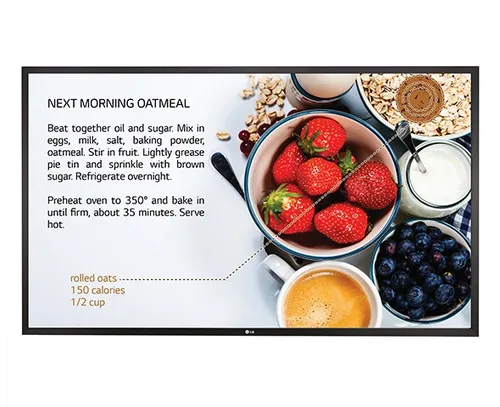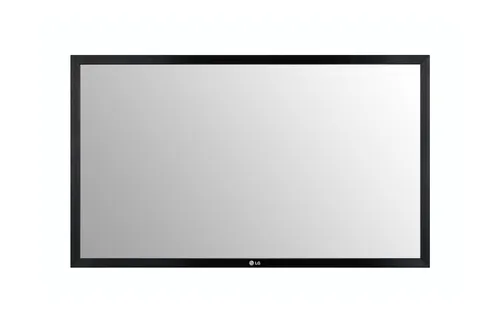


Sony TO-1375-CA10 Touch Screen Overlay 190.5 cm (75") Multi-touch USB

Sony TO-1375-CA10 Touch Screen Overlay 190.5 cm (75") Multi-touch USB
No stores registered at this time
Contact Us
Specifications
Features
Features
| Display diagonal |
190.5 cm (75")
|
|---|---|
| Touchscreen technology |
Capacitive
|
| Touch technology |
Multi-touch
|
| Interface |
USB
|
| Number of simultaneous touchpoints |
10
95% better than others
|
| Response time |
16 ms
|
| Accuracy touch |
3
mm
74% better than others
|
| Anti-glare (AG) coating |
Yes
83% have it
|
| Compatibility |
Sony FW-75BZ35F
|
Power
Power
| Power source type |
USB
|
|---|---|
| Power consumption (typical) |
2
W
33% better than others
|
Weight & dimensions
Weight & dimensions
| Width |
1757
mm
54% better than others
|
|---|---|
| Height |
1035
mm
57% better than others
|
| Thickness |
6.5
cm
58% better than others
|
| Glass thickness |
5
mm
91% better than others
|
| Bezel width |
5.1
cm
53% better than others
|
| Weight |
30.5
kg
92% better than others
|
Packaging data
Packaging data
| Package width |
1870
mm
90% better than others
|
|---|---|
| Package depth |
150
mm
15% better than others
|
| Package height |
1150
mm
54% better than others
|
| Package weight |
35
kg
79% better than others
|
Operational conditions
Operational conditions
| Operating temperature (T-T) |
-20 - 60 °C
|
|---|---|
| Storage temperature (T-T) |
-20 - 60 °C
|
| Operating relative humidity (H-H) |
10 - 90%
|
| Storage relative humidity (H-H) |
10 - 90%
|
Disclaimer: Information on this page may need review. If you notice any discrepancies, please report them

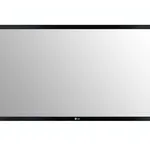
The Sony TO-1375-CA10 represents a significant advancement in large-format interactive display technology, specifically designed as a touch screen overlay for professional and commercial environments. Boasting an expansive 190.5 cm (75-inch) diagonal screen size, this overlay transforms standard displays into highly responsive interactive surfaces. Its multi-touch capability, supporting numerous simultaneous touch points, is crucial for collaborative applications, digital signage, and interactive presentations where multiple users might engage with the screen concurrently. The integration via a standard USB interface ensures broad compatibility with various host systems, simplifying deployment in existing setups.
Engineered for demanding applications, the TO-1375-CA10 emphasizes durability and precision. Its design suggests suitability for environments ranging from corporate boardrooms and educational institutions to retail spaces and public information kiosks. The overlay's primary function is to add a layer of intuitive touch control without compromising the visual fidelity of the underlying display, making it an ideal solution for upgrading existing infrastructure rather than replacing entire display systems. The 75-inch form factor positions it as a central piece for impactful visual communication and engagement.
Pros & Cons
Pros
What we love about this product
- Expansive 75-inch Diagonal: Provides a large, immersive interactive surface suitable for collaborative work and impactful presentations.
- Multi-touch Capability: Supports numerous simultaneous touch points, enabling fluid and intuitive interaction for multiple users.
- USB Connectivity: Offers straightforward integration with a wide range of host devices and operating systems.
- Overlay Design: Allows for the transformation of existing non-touch displays into interactive touch screens, potentially reducing upgrade costs.
Cons
Points to consider before buying
- No Integrated Display: Requires a separate compatible 75-inch display, adding to the total cost and complexity of setup.
- USB Power/Data Dependency: Relies solely on USB for both power (if applicable) and data, which might limit cable length or require specific host system capabilities.
- Potential for Calibration Drift: As with most overlay systems, long-term use in high-traffic environments might necessitate periodic recalibration for optimal touch accuracy.