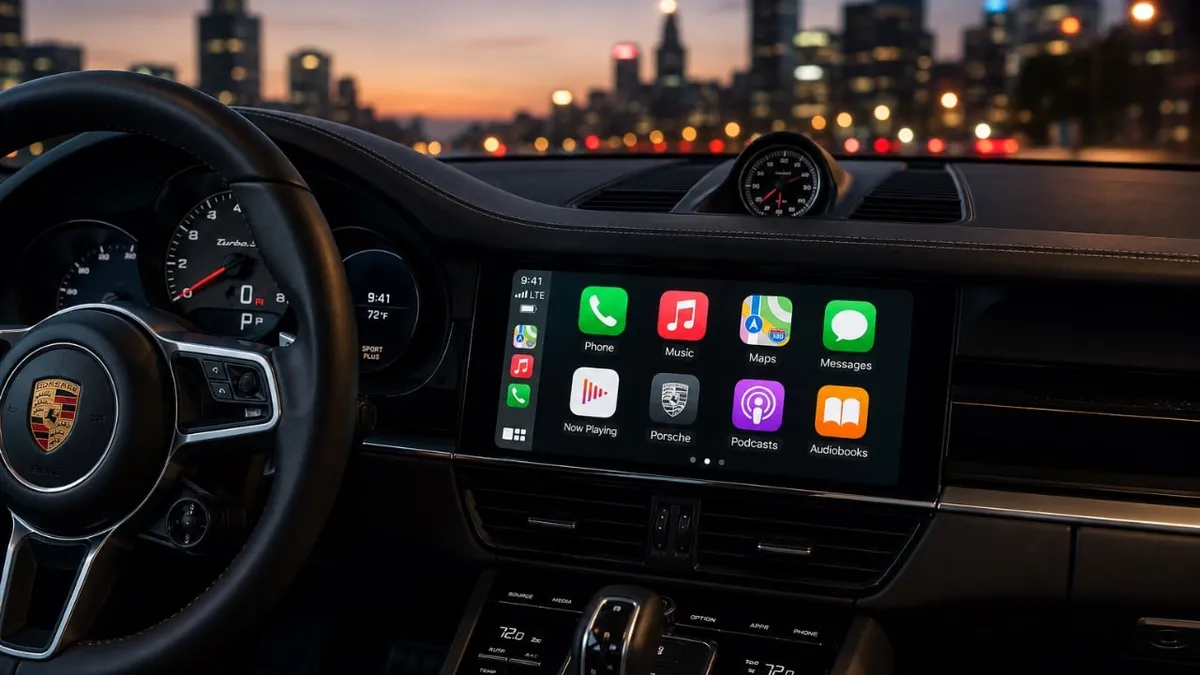
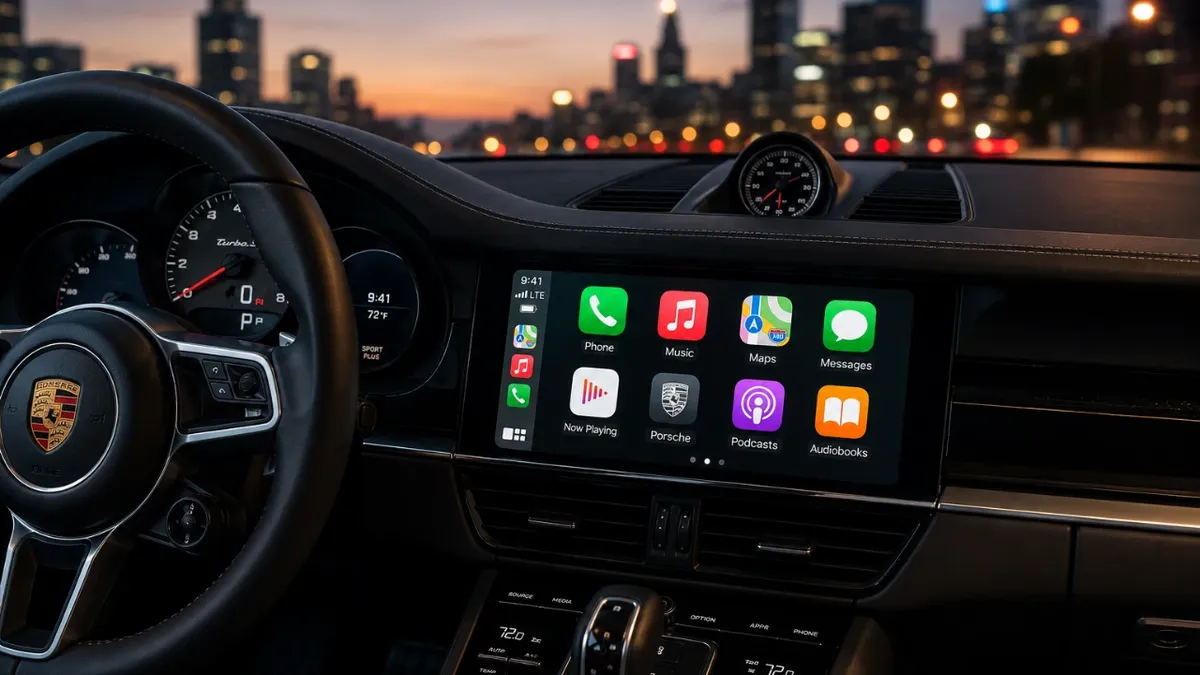
 Apple CarPlay has evolved beyond basic smartphone integration into a sophisticated automotive interface. While core functions like navigation, music, and calls are standard, a wealth of underutilized features can significantly enhance the driving experience. Optimizing app management, customizing widgets, personalizing display settings, and leveraging AI can transform your CarPlay into a more efficient, intuitive, and personalized command center for your vehicle. Understanding these advanced capabilities allows drivers to maximize productivity and enjoyment on every journey.
This detailed exploration delves into the advanced functionalities of Apple CarPlay, offering insights into how drivers can unlock its full potential. From streamlining the dashboard layout for quicker access to essential applications to personalizing the visual interface, these tips are designed to make driving safer and more convenient. Furthermore, we will examine how emerging AI technologies are integrating with CarPlay, promising even more intelligent interactions and assistance while on the road.
Streamline Your Dashboard with App Management
Efficiently organizing your CarPlay interface is crucial for reducing distractions and ensuring quick access to frequently used applications. By navigating to the CarPlay settings on your connected iPhone, you gain control over the layout and visibility of apps on your vehicle's display. This allows for a personalized arrangement, placing critical navigation and entertainment apps front and center.
Users can strategically rearrange app icons to prioritize those used most often, such as Apple Maps, Google Maps, Spotify, or their preferred podcast player. Conversely, infrequently used applications can be hidden or moved to secondary screens, decluttering the main dashboard view. This meticulous organization ensures that essential tools are always readily accessible, minimizing the need to search through multiple screens and thereby enhancing driving safety and reducing cognitive load.
Enhance Efficiency with Widget Customization
CarPlay's widget system provides at-a-glance access to important information without requiring users to open a full application. Customizing these widgets allows for a more dynamic and informative dashboard, tailored to individual driving needs and preferences.
Drivers can select and arrange widgets to display real-time data relevant to their journey, such as current weather conditions, upcoming calendar appointments, or traffic updates. For instance, pairing a weather widget with a navigation app can provide immediate context for changing road conditions. Disabling features like 'Smart Rotate' can also maintain a consistent layout, preventing unexpected shifts and ensuring familiarity. This intelligent use of widgets keeps drivers informed and prepared, contributing to a smoother and more predictable driving experience.
Personalize Your Display with Wallpaper and Appearance Settings
Beyond its functional capabilities, CarPlay offers aesthetic customization options, allowing drivers to personalize their in-car interface. While a selection of default wallpapers is available, deeper customization options can be accessed through accessibility settings, including various color themes.
Enabling Dark Mode is particularly beneficial for nighttime driving, reducing screen glare and offering a more comfortable visual experience. This setting not only improves readability but also imparts a sleek, modern aesthetic to the dashboard. Personalizing the display's appearance can make the driving environment more inviting and aligned with the driver's personal style or the vehicle's interior design.
Leverage AI for Smarter and More Productive Driving
The integration of artificial intelligence is rapidly transforming CarPlay from a simple interface into a more intelligent and interactive driving companion. AI-powered applications are emerging that can offer advanced assistance and engagement features.
Tools like ChatGPT, when integrated, can provide conversational support during long drives, helping to maintain driver alertness and engagement. These AI assistants can also offer real-time traffic analysis, suggest optimal alternative routes, assist with brainstorming ideas, manage tasks, or even help draft messages. By incorporating AI, CarPlay moves beyond basic commuting functions to become a productivity tool that enhances the overall journey.
On-the-Go Convenience with Practical Features
CarPlay supports a diverse ecosystem of third-party applications designed to streamline everyday tasks and errands conducted while on the move. These practical features are geared towards saving time and improving convenience for drivers.
Examples include gas station applications like Chevron, which allow for seamless fuel payments directly from the car's dashboard. Similarly, food-ordering apps such as Chick-fil-A enable drivers to place pickup orders efficiently. Additionally, Apple Shortcuts can be configured within CarPlay to automate specific actions or create custom sound effects, further tailoring the experience to individual routines and preferences, all while keeping the driver's focus on the road.
Master Navigation with Advanced Apple Maps Features
Apple Maps, when utilized within CarPlay, offers a suite of advanced features that enhance navigational precision and ease of use. These capabilities go beyond simple turn-by-turn directions, providing a more comprehensive tool for route planning and execution.
Users can employ intuitive gestures, such as double-tapping and dragging, to dynamically zoom in and out of maps, allowing for a clearer view of the upcoming route or surrounding areas. Enabling Dark Mode significantly improves map visibility during nighttime driving. Furthermore, drivers can customize map settings to intelligently avoid toll roads, highways, or ferry routes, ensuring the most suitable path is always selected based on personal preferences or vehicle constraints.
Maintain Privacy with Live Activities Control
In an era of increasing digital privacy concerns, CarPlay provides mechanisms for users to manage the information displayed on their vehicle's screen. The 'Live Activities' feature, for example, allows for dynamic updates from ongoing processes.
Drivers can clear or manage these live activities—such as active navigation sessions or music playback—to control what information is presented at any given moment. This functionality is particularly useful for limiting the display of potentially sensitive information when passengers are present, ensuring a greater degree of personal data privacy. These features empower users with granular control over their interface and the data it presents.
Unlock Advanced Customization Options
CarPlay's advanced customization capabilities extend to minimizing distractions and tailoring the user experience to individual driving habits and preferences. The 'Drive Focus' mode is a prime example of this, designed to limit non-essential notifications during operation.
Users can further personalize their interface by adjusting appearance settings, including custom sound profiles and unique visual themes, creating an environment that feels uniquely theirs. Exploring less obvious settings and 'hidden tricks' can unlock even deeper levels of personalization, ensuring that the CarPlay system adapts seamlessly to the driver's lifestyle and enhances their overall driving experience.
Maximizing Your CarPlay Experience
Apple CarPlay represents a significant leap in automotive-infotainment technology, offering a rich platform for connectivity, productivity, and personalization. By actively exploring and utilizing its advanced features—from nuanced app management and widget configuration to AI integration and privacy controls—drivers can elevate their daily journeys. CarPlay's adaptability ensures that it serves as a powerful extension of the user's digital life, making every drive more efficient, engaging, and ultimately, more enjoyable.