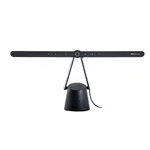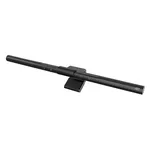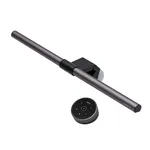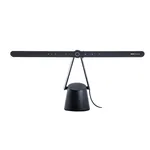


BenQ Screenbar Monitor Light
Specifications
Features
Features
| Housing colour |
Black
|
|---|---|
| Housing material |
Aluminium, Polycarbonate (PC)
|
| Number of LEDs |
2
|
| Luminous flux |
930 lm
|
| Color Rendering Index (CRI) |
95
94% better than others
|
| Adjustable colour temperature |
Yes
62% have it
|
| Number of brightness levels |
15
89% better than others
|
| Control type |
Buttons
|
| Thickness (min) |
1
cm
46% better than others
|
| Thickness (max) |
3
cm
67% better than others
|
| On/off button |
Yes
78% have it
|
| Flicker-free operation |
Yes
56% have it
|
Power
Power
| Power source |
USB
|
|---|---|
| DC voltage |
5
V
86% better than others
|
| Current |
1
A
27% better than others
|
Weight & dimensions
Weight & dimensions
| Width |
450
mm
16% better than others
|
|---|---|
| Depth |
92
mm
62% better than others
|
| Height |
90
mm
71% better than others
|
| Weight |
530
g
65% better than others
|
Packaging data
Packaging data
| Package weight |
940
g
39% better than others
|
|---|
Disclaimer: Information on this page may need review. If you notice any discrepancies, please report them

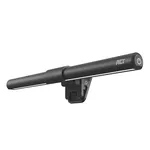
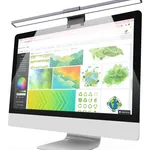
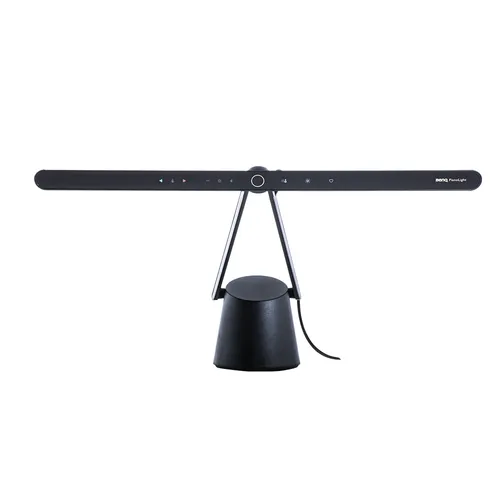
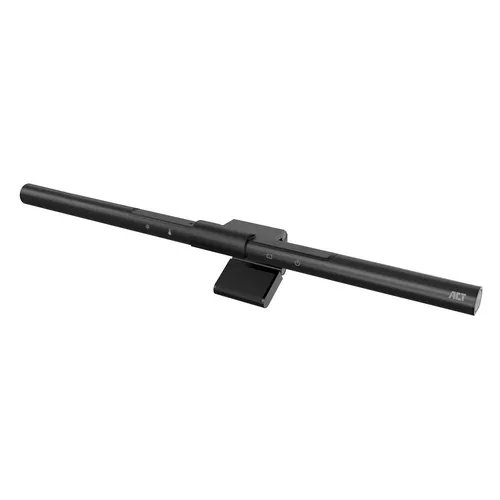
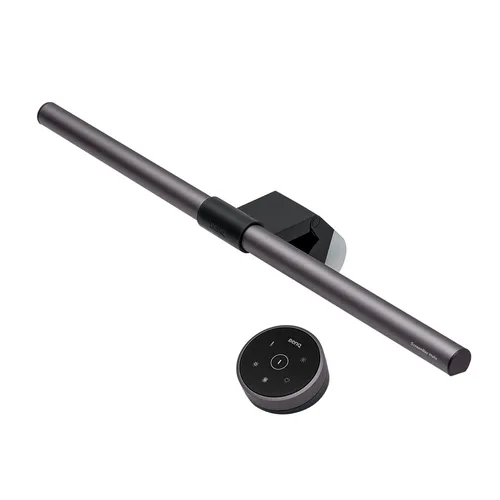
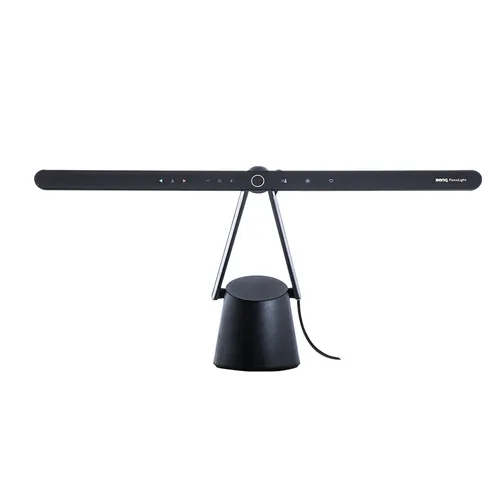
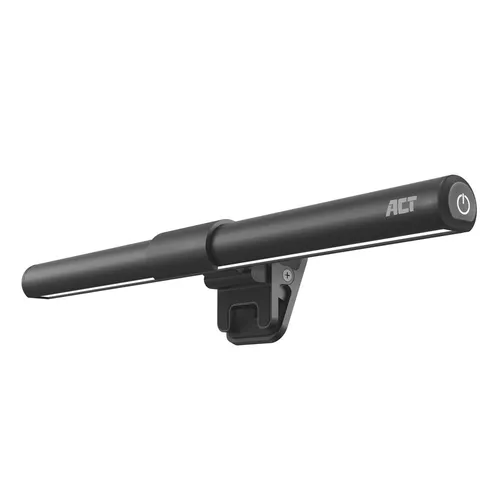
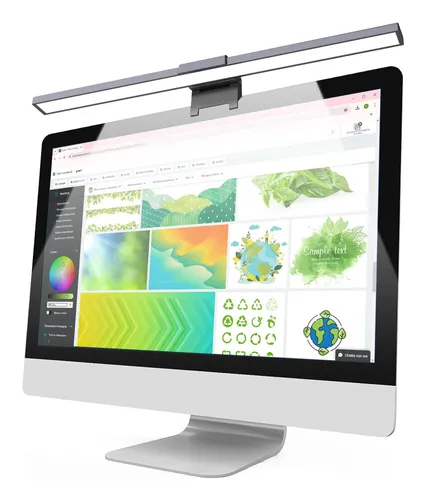
In the evolving landscape of modern workspaces, optimizing desk ergonomics and reducing eye strain has become paramount. The BenQ Screenbar Monitor Light emerges as a sophisticated solution designed to enhance your computing experience without encroaching on valuable desk real estate. Unlike traditional desk lamps, this innovative light bar mounts directly onto your monitor, providing focused illumination precisely where it's needed – your screen and immediate workspace. This design not only declutters your desk but also leverages advanced optical engineering to deliver light that minimizes glare and reflections, a common issue with standard lighting setups.
Engineered with the discerning professional and gamer in mind, the BenQ Screenbar boasts a unique asymmetrical optical design. This ensures that light is projected forward onto your desk and keyboard, while crucially avoiding direct glare on the monitor screen itself. This thoughtful approach is complemented by a range of adjustable brightness and color temperature settings, allowing users to tailor the lighting environment to their specific needs, whether it's for late-night gaming sessions requiring vibrant clarity or detailed work demanding a neutral, eye-friendly tone. The integration of a USB-powered design further enhances its convenience, making it a seamless addition to any existing setup.
Key Features and Design Philosophy
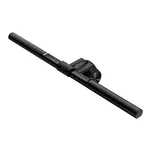
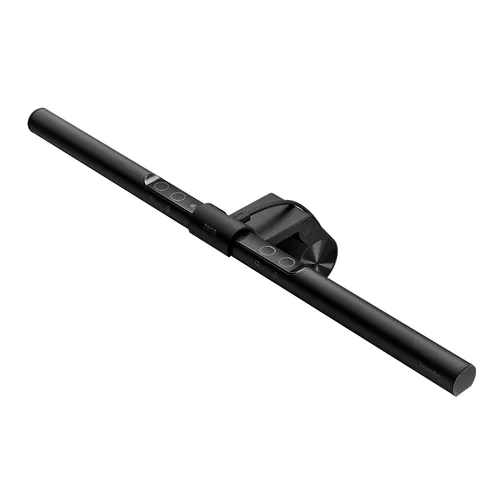
The core of the BenQ Screenbar's appeal lies in its minimalist yet highly functional design. The absence of a base frees up significant desk space, a critical factor for many users. Its mounting mechanism is designed to be universally compatible with most monitors, typically ranging from 0.5cm to 3cm in thickness, securing the light firmly without the need for tools or adhesives. The onboard controls are intuitive, offering stepless dimming for brightness and precise adjustments for color temperature, ranging from a warm 2700K to a cool 6500K. This adaptability is crucial for combating digital eye strain, a prevalent concern in our screen-centric world.
Performance and User Experience
The performance of the BenQ Screenbar is largely defined by its ability to provide adequate, glare-free illumination. The asymmetrical light projection is a standout feature, effectively illuminating the user's workspace without causing distracting screen reflections or contributing to eye fatigue. The ability to switch between different color temperatures allows users to simulate natural daylight or opt for warmer, more relaxing tones, enhancing focus and comfort during extended use. The USB power delivery means it can easily be powered by a monitor's USB port, a laptop, or a standard USB power adapter, adding to its versatility.
Pros & Cons
Pros
What we love about this product
- Space-Saving Design: Mounts directly onto the monitor, eliminating the need for a desk lamp base and freeing up valuable workspace.
- Glare-Free Illumination: Asymmetrical optical design projects light onto the desk and keyboard, minimizing screen glare and reducing eye strain.
- Adjustable Lighting: Offers stepless brightness control and a wide color temperature range (2700K-6500K) for customized lighting environments.
- USB Powered: Conveniently powered via USB, allowing for easy connection to monitors, laptops, or power adapters.
- Wide Monitor Compatibility: Designed to fit most monitors with thicknesses ranging from 0.5cm to 3cm.
Cons
Points to consider before buying
- No Built-in Camera: Lacks an integrated webcam, which may be a desired feature for some users seeking an all-in-one monitor accessory.
- Limited Height Adjustment: The light bar's position is fixed relative to the monitor's top edge; it does not offer independent vertical adjustment.
- Potential for Monitor Sag: On very thin or flexible monitors, the weight of the light bar might cause slight screen sagging over time, though this is generally minimal.