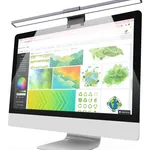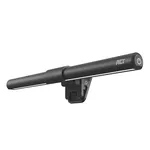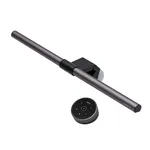


BenQ PianoLight Monitor Lamp - LED, Adjustable Brightness & Color Temperature
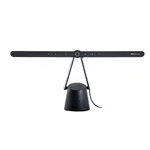
BenQ PianoLight Monitor Lamp - LED, Adjustable Brightness & Color Temperature
No stores registered at this time
Contact Us
Specifications
Features
Features
| Housing colour |
Black
|
|---|---|
| Housing material |
Aluminium, Polycarbonate (PC)
|
| Luminous flux |
1070 lm
|
| Color Rendering Index (CRI) |
95
63% better than others
|
| Colour temperature (min) |
2700 K
|
| Colour temperature (max) |
6500 K
|
| Dimmable |
Yes
65% have it
|
| Flicker-free operation |
Yes
86% have it
|
Power
Power
| Power source |
USB
|
|---|---|
| DC voltage |
5
V
92% better than others
|
| Current |
1
A
54% better than others
|
Weight & dimensions
Weight & dimensions
| Width |
120
mm
67% better than others
|
|---|---|
| Depth |
367
mm
18% better than others
|
| Height |
628
mm
34% better than others
|
| Weight |
4.1
kg
87% better than others
|
Packaging data
Packaging data
| Package weight |
5.5
kg
72% better than others
|
|---|---|
| Package type |
Box
|
Disclaimer: Information on this page may need review. If you notice any discrepancies, please report them

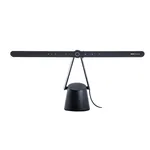
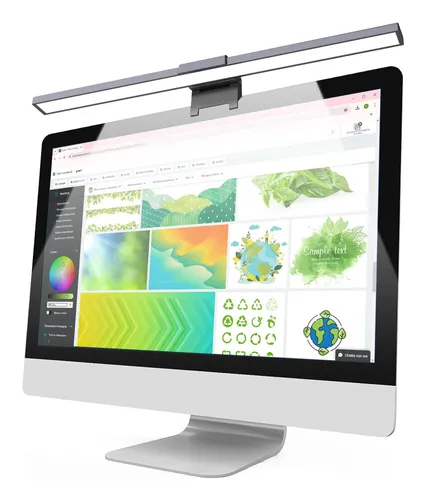
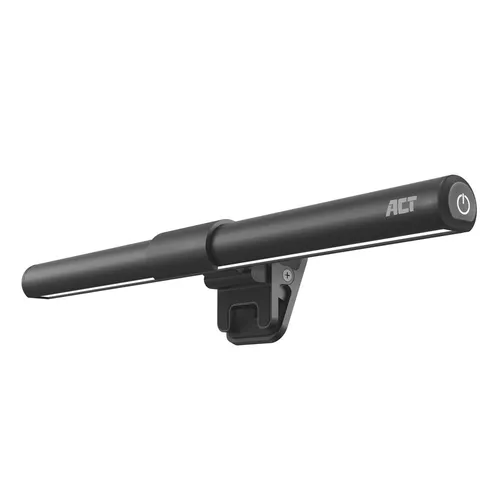
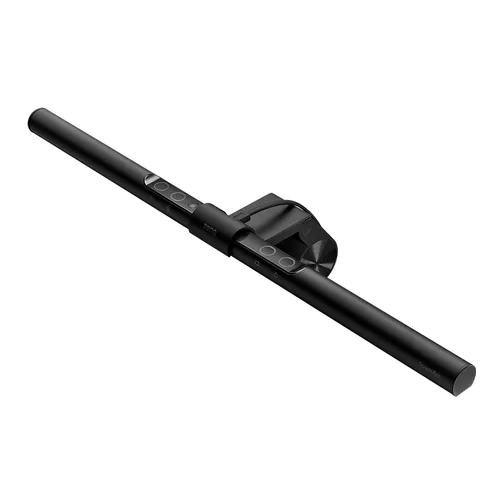
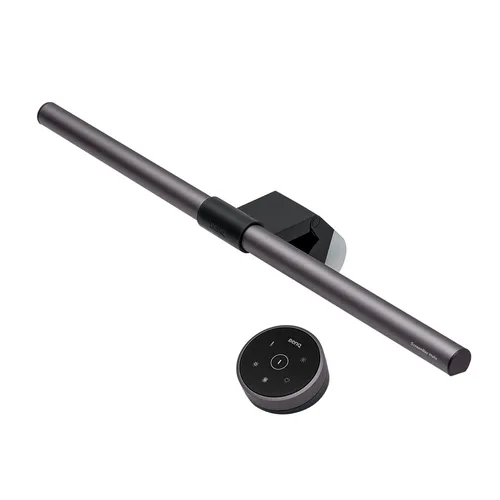
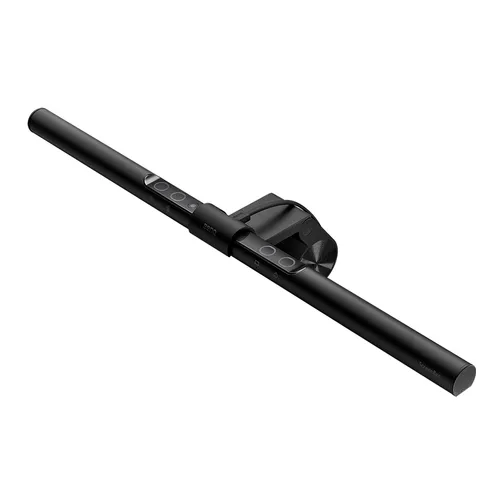
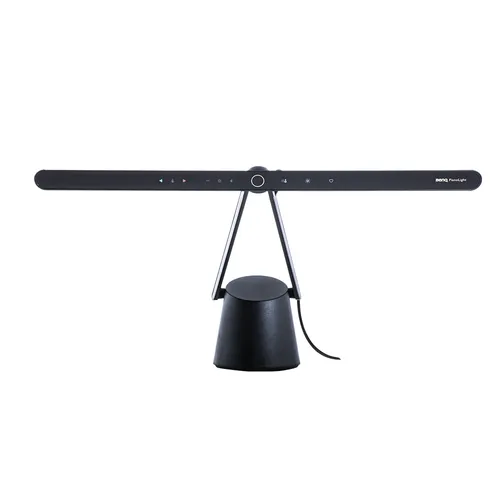
The BenQ PianoLight emerges as a sophisticated lighting solution tailored for the modern desk setup, specifically designed to enhance the user experience for monitor-based tasks. Unlike traditional desk lamps that can cast distracting glare or insufficient illumination, the PianoLight employs a unique, asymmetrical design. This proprietary design projects light downwards onto the desk surface without reflecting off the monitor screen, effectively reducing eye strain and improving focus during extended work or gaming sessions. Its minimalist aesthetic ensures it integrates seamlessly into any workspace, prioritizing functionality without compromising on style.
Engineered with user well-being in mind, the BenQ PianoLight offers granular control over its lighting output. Users can adjust both the brightness and the color temperature, transitioning from a cool, energizing white light ideal for productive daytime work to a warm, relaxing tone conducive to evening use. This adaptability makes it an invaluable tool for professionals, creatives, and gamers alike, allowing them to curate the perfect lighting environment for any task. The focus on reducing screen glare and providing customizable illumination positions the BenQ PianoLight as a premium accessory for anyone serious about optimizing their desk ergonomics and visual comfort.
Pros & Cons
Pros
What we love about this product
- Asymmetrical Light Design: Reduces screen glare and eye strain by directing light downwards onto the desk surface.
- Adjustable Brightness: Allows users to customize illumination levels to suit ambient conditions and task requirements.
- Variable Color Temperature: Offers a range from cool white to warm light, enhancing focus or promoting relaxation.
- Space-Saving Mount: Attaches to the monitor bezel, freeing up desk space and maintaining a clean aesthetic.
Cons
Points to consider before buying
- Limited to Monitor Mounting: Primarily designed for monitor attachment, may not be suitable for all desk setups or alternative lighting needs.
- Power Source Dependent: Requires a USB power source, which might be limited on older computers or require a separate adapter.
- Single Unit Illumination: Provides focused desk illumination, may not be sufficient as a primary room light source.
Questions and Answers

How does the asymmetrical lighting design of the BenQ PianoLight benefit users?
The asymmetrical design is the core innovation. It projects light in a focused beam downwards onto your desk area, specifically avoiding direct illumination of your monitor screen. This prevents the harsh reflections and glare that typically cause eye fatigue and discomfort, especially during long hours of computer use. It ensures your workspace is well-lit without compromising your visual clarity on the screen.
Write at least 5 characters