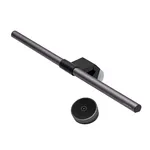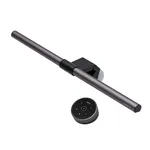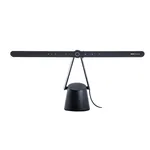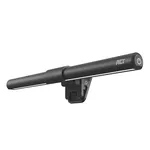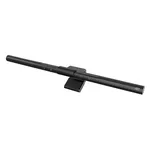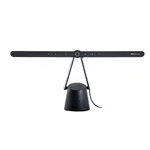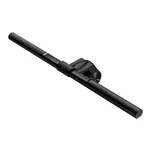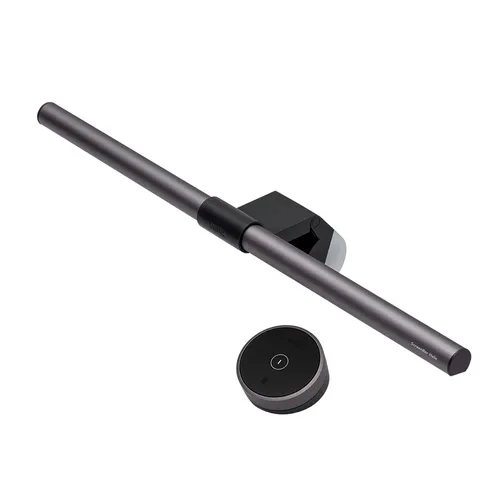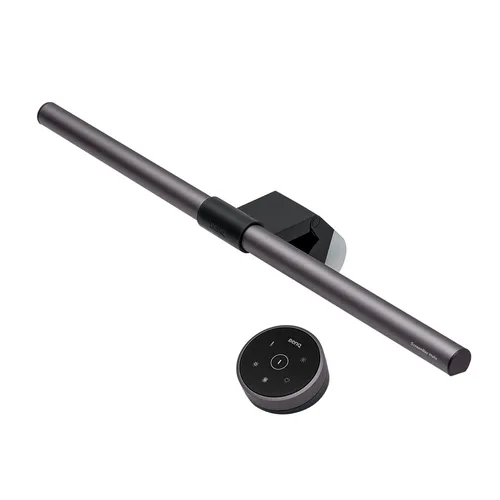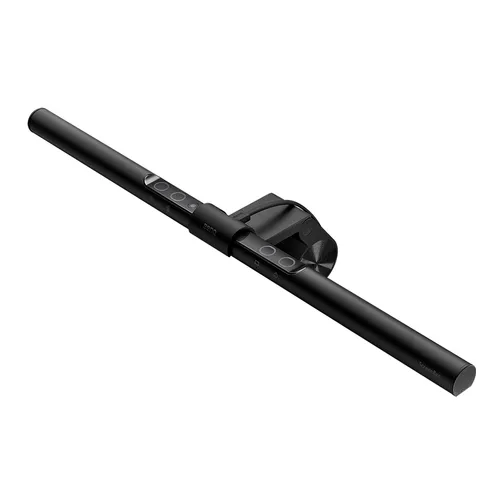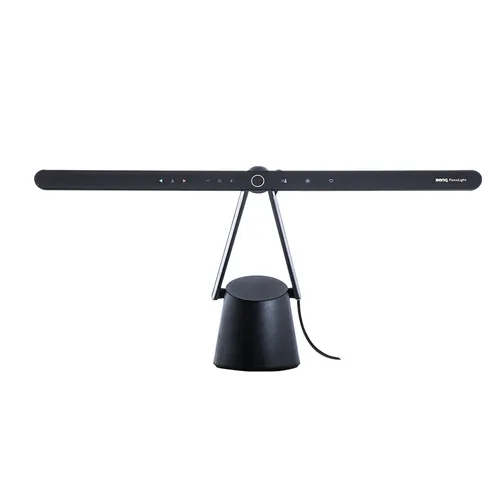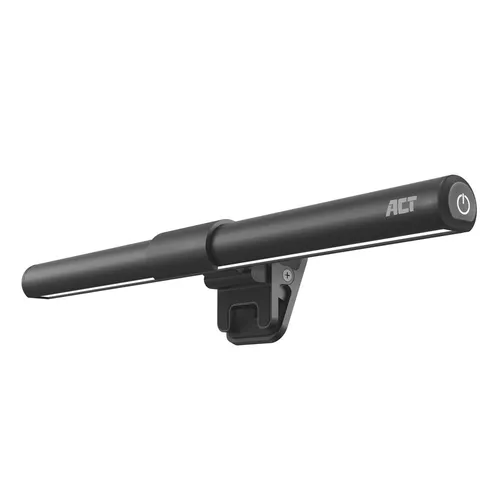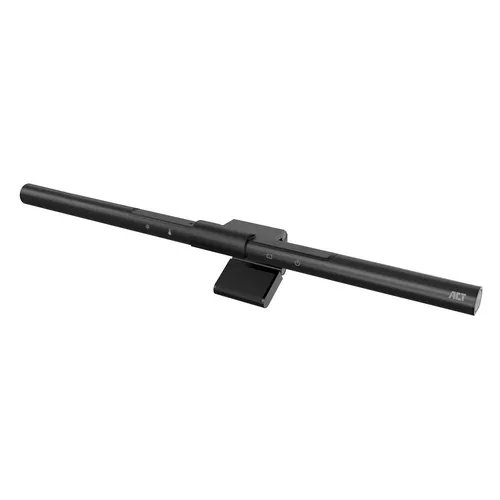


Techly I-LAMP-DSK11 Dimmable LED Monitor Light Bar
Specifications
Features
Features
| Housing colour |
Black
|
|---|---|
| Number of LEDs |
66
69% better than others
|
| Luminous flux |
250 lm
|
| Color Rendering Index (CRI) |
80
46% better than others
|
| Adjustable colour temperature |
Yes
68% have it
|
| Colour temperature (min) |
3000 K
|
| Colour temperature (max) |
5000 K
|
| Dimmable |
Yes
55% have it
|
| Adjustable angle |
Yes
61% have it
|
| Control type |
Touch
|
Power
Power
| Power source |
USB
|
|---|---|
| DC voltage |
5
V
75% better than others
|
| Current |
1
A
38% better than others
|
Weight & dimensions
Weight & dimensions
| Width |
460
mm
71% better than others
|
|---|---|
| Depth |
119
mm
79% better than others
|
| Height |
50
mm
45% better than others
|
| Weight |
673
g
48% better than others
|
Packaging data
Packaging data
| Package type |
Box
|
|---|
Disclaimer: Information on this page may need review. If you notice any discrepancies, please report them

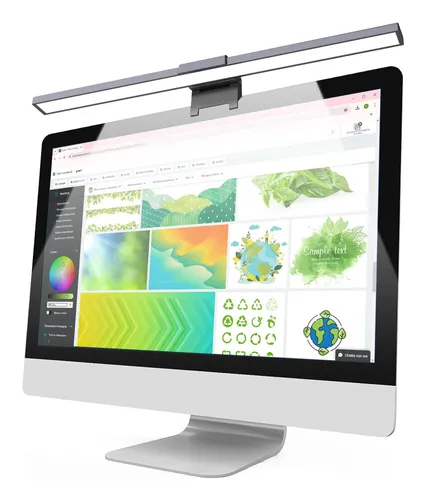
The Techly I-LAMP-DSK11 represents a focused solution for enhancing workspace illumination without encroaching on desk real estate. Designed specifically for monitor mounting, this LED light bar aims to reduce eye strain and improve focus by providing direct, adjustable light onto your immediate work area. Its minimalist design prioritizes functionality, offering a clean aesthetic that complements modern desk setups. In an era where prolonged screen time is the norm, peripherals that actively mitigate discomfort and boost productivity are increasingly valuable, and the I-LAMP-DSK11 positions itself as a pragmatic choice for discerning users.
Analyzing its feature set, the I-LAMP-DSK11 centers on delivering customizable lighting. The dimmable functionality is a key selling point, allowing users to tailor the brightness to their specific needs and ambient conditions, which is crucial for preventing glare and fatigue during long work sessions or late-night tasks. The inclusion of adjustable color temperature further enhances its adaptability, enabling a shift from cool, energizing light for focused work to warmer tones for relaxed viewing. This versatility makes it suitable not just for office environments but also for creative professionals and students who require optimal lighting conditions for detailed tasks.
Pros & Cons
Pros
What we love about this product
- Adjustable Brightness: Features dimmable functionality to fine-tune illumination levels.
- Variable Color Temperature: Offers multiple color temperature settings for diverse lighting needs.
- Space-Saving Design: Mounts directly onto the monitor, freeing up valuable desk space.
- Reduced Eye Strain: Provides focused light to minimize glare and screen fatigue.
Cons
Points to consider before buying
- Limited Power Source Options: Primarily relies on USB power, which may limit brightness or feature availability depending on the port's output.
- No Smart Features: Lacks advanced features like app control, scheduling, or integration with smart home systems.
- Potential Monitor Compatibility Issues: Mounting mechanism might not be universally compatible with all monitor thicknesses or designs.
Questions and Answers

How does the USB power source affect the light's performance?
The USB power source is a common and convenient feature for monitor lights. However, the actual power output from a USB port (whether from your computer or a separate adapter) can vary. Typically, a standard USB-A port provides 5V/0.5A (2.5W) or 5V/1A (5W). If the I-LAMP-DSK11 requires more power for its maximum brightness or specific color temperatures, you might experience slightly reduced performance or find that certain settings aren't as potent as they could be with a dedicated power adapter. For optimal performance, using a high-output USB port or a powered USB hub is recommended.
Write at least 5 characters