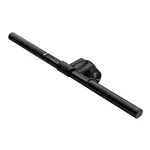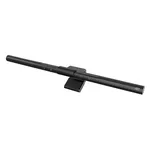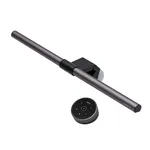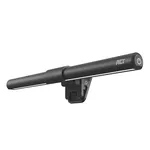


BenQ ScreenBar Halo Monitor Light
Specifications
Features
Features
| Housing colour |
Grey
|
|---|---|
| Housing material |
Acrylonitrile butadiene styrene (ABS), Aluminium, Polycarbonate (PC)
|
| Luminous flux |
800 lm
|
| Color Rendering Index (CRI) |
95
45% better than others
|
| Dimmable |
Yes
86% have it
|
| Control type |
Buttons
|
| Flicker-free operation |
Yes
71% have it
|
Power
Power
| Power source |
USB
|
|---|---|
| DC voltage |
5
V
38% better than others
|
| Current |
1.3
A
50% better than others
|
Weight & dimensions
Weight & dimensions
| Width |
95
mm
78% better than others
|
|---|---|
| Depth |
97
mm
23% better than others
|
| Height |
500
mm
91% better than others
|
| Weight |
800
g
94% better than others
|
Packaging data
Packaging data
| Package weight |
1.56
kg
86% better than others
|
|---|---|
| Package type |
Box
|
Sustainability
Sustainability
| Sustainability compliance |
Yes
95% have it
|
|---|
Other features
Other features
| Compliance certificates |
CE, RoHS
|
|---|
Disclaimer: Information on this page may need review. If you notice any discrepancies, please report them

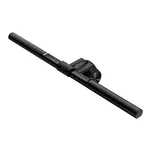
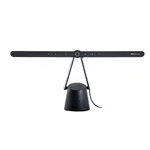
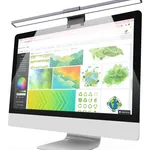
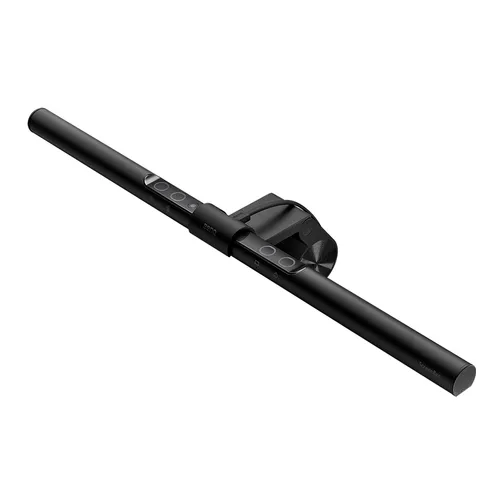
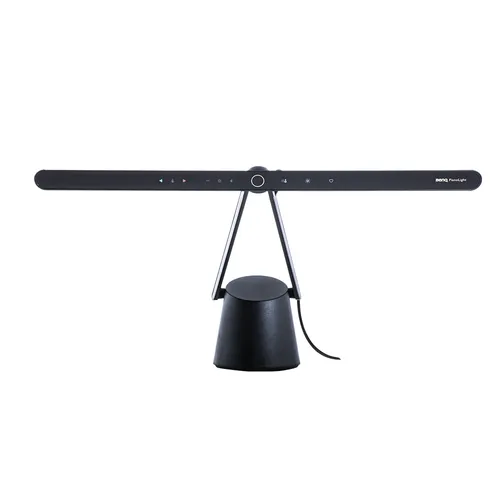
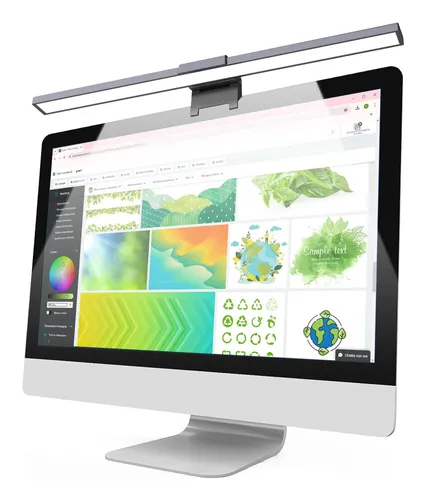
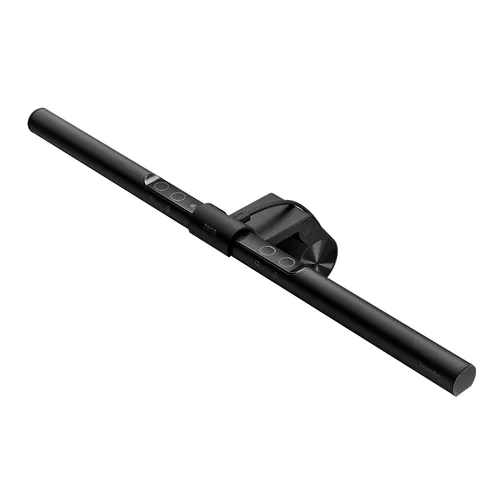
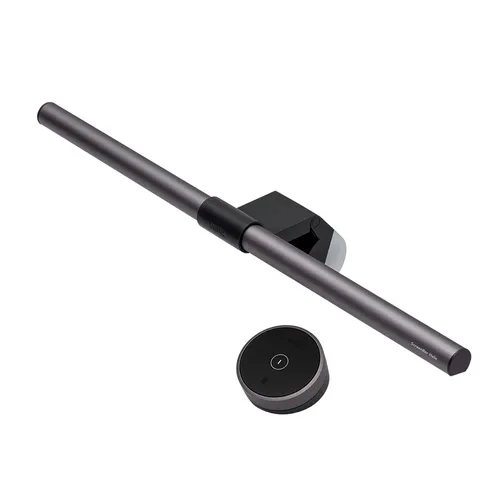
The BenQ ScreenBar Halo represents a significant evolution in desktop lighting, specifically engineered for the modern monitor user. Moving beyond simple illumination, this device integrates advanced features designed to enhance viewing comfort, reduce eye strain, and declutter your workspace. Its innovative design eschews traditional lamp bases, opting instead for a clever mounting system that attaches directly to your monitor, freeing up valuable desk real estate. This makes it an ideal solution for users with limited desk space or those who appreciate a minimalist aesthetic.
At its core, the ScreenBar Halo boasts a unique dual-lighting system, featuring both a focused downward spotlight and an ambient rear backlight. This dual approach allows for customizable illumination tailored to your specific needs, whether you're engaged in detailed work requiring intense focus or seeking to create a more immersive, glare-free environment. The adjustable color temperature and brightness levels further enhance its versatility, enabling users to seamlessly transition between tasks and lighting preferences. Considering its specialized functionality and premium build quality, the BenQ ScreenBar Halo positions itself as a high-value accessory for professionals, creatives, and avid computer users seeking to optimize their workspace ergonomics and visual experience.
Pros & Cons
Pros
What we love about this product
- Adjustable Brightness and Color Temperature: Offers a wide range of light intensities and color temperatures (2700K-6500K) for personalized lighting.
- Dual Lighting Modes: Combines a focused front light with an ambient rear backlight for comprehensive and glare-free illumination.
- Space-Saving Design: Mounts directly onto the monitor, eliminating desk clutter and preserving workspace.
- Auto-Dimming Feature: Built-in ambient light sensor automatically adjusts brightness for optimal viewing conditions.
- Wireless Remote Control: Provides convenient and flexible control over lighting settings without touching the device.
Cons
Points to consider before buying
- Monitor Compatibility: May not be suitable for all monitor thicknesses or designs due to its clamp mechanism.
- Power Source Dependency: Requires a USB power source, which might occupy a port or require an additional adapter.
- Price Point: Positioned as a premium accessory, it may be a higher investment compared to standard desk lamps.
Questions and Answers

How does the BenQ ScreenBar Halo prevent screen glare?
The ScreenBar Halo employs an asymmetrical optical design that directs light downwards onto your desk and keyboard, rather than directly onto the screen. This minimizes reflections and glare. Additionally, the ambient rear backlight can be used to illuminate the wall behind your monitor, balancing the light in your environment and further reducing perceived glare and eye strain.
Write at least 5 characters