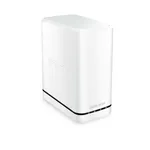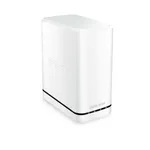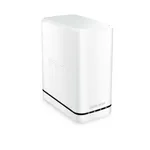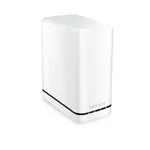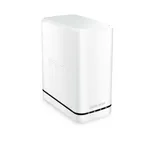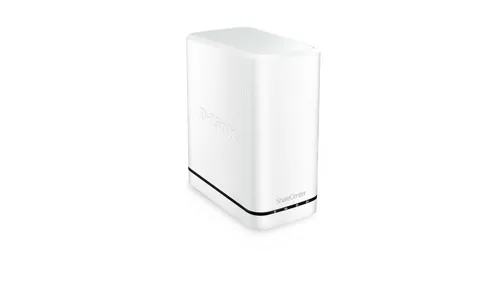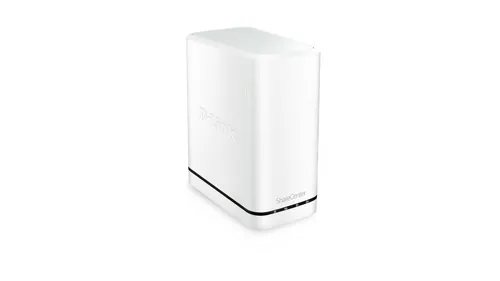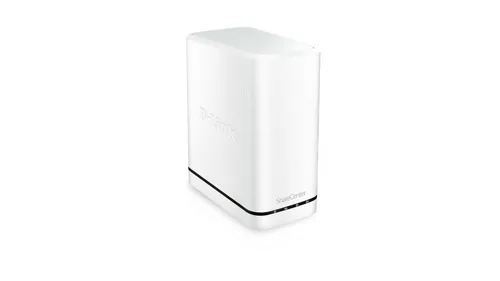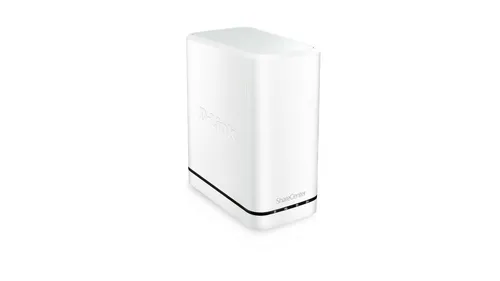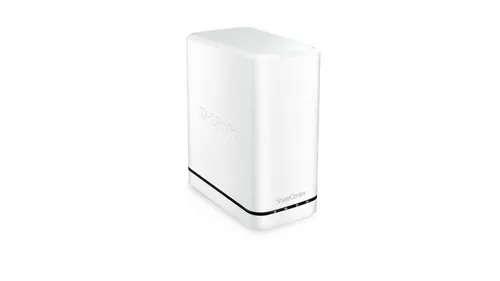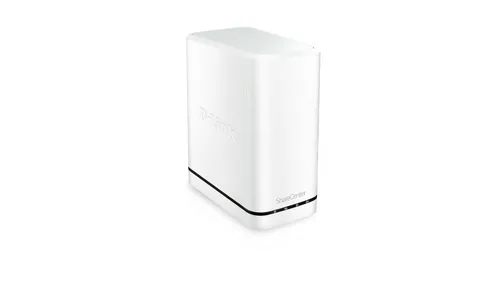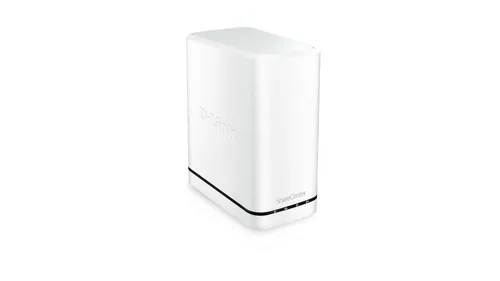


D-Link DNS-320LW Personal Cloud NAS
Specifications
Performance
Performance
| Built-in storage media |
Yes
90% have it
|
|---|---|
| Internal storage capacity |
8
TB
15% better than others
|
| Storage media |
HDD
|
| Number of storage drives installed |
2
|
| File format system |
FAT32/NTFS
|
Ports & interfaces
Ports & interfaces
| Ethernet LAN |
Yes
84% have it
|
|---|---|
| Ethernet LAN data rates |
10,100,1000 Mbit/s
|
| USB connectivity |
Yes
68% have it
|
| USB 2.0 ports quantity |
1
|
Design
Design
| Product colour |
White
|
|---|
Weight & dimensions
Weight & dimensions
| Width |
90
mm
18% better than others
|
|---|---|
| Depth |
144.3
mm
69% better than others
|
| Height |
193.3
mm
89% better than others
|
Certificates
Certificates
| Digital Living Network Alliance (DLNA) certified |
Yes
76% have it
|
|---|
Disclaimer: Information on this page may need review. If you notice any discrepancies, please report them

The D-Link DNS-320LW represents a foundational entry into the realm of personal cloud storage, targeting users who seek a straightforward solution for backing up data, sharing files across their home network, and accessing them remotely. While not the most feature-rich or high-performance NAS on the market, its value proposition lies in its accessibility and ease of use for basic storage needs. This device aims to bridge the gap between simple external hard drives and more complex, business-oriented NAS solutions, offering a dedicated hub for your digital life without overwhelming the average consumer with advanced configurations.
At its core, the DNS-320LW is designed to accommodate two SATA hard drives, allowing for flexible storage configurations including RAID 0 for speed, RAID 1 for redundancy, or JBOD for simple pooling. Its built-in web interface provides a centralized point for managing files, setting up user accounts, and configuring basic network sharing protocols. The inclusion of a 'personal cloud' aspect suggests an intention for remote access, a feature that has become increasingly expected in modern storage devices. However, potential buyers should carefully consider its specifications against their performance and feature requirements, as more demanding applications might find its capabilities limited.
Pros & Cons
Pros
What we love about this product
- Dual Drive Bay: Supports two SATA hard drives for flexible storage options, including RAID 1 for data redundancy.
- Web-based Management: Offers a user-friendly interface for easy file access and system configuration over a web browser.
- Remote Access Capability: Enables users to access their stored files from outside their home network, providing a basic personal cloud experience.
- Gigabit Ethernet Port: Facilitates faster data transfer speeds within the local network compared to older Fast Ethernet standards.
Cons
Points to consider before buying
- Limited Processing Power: The underlying hardware may struggle with intensive tasks like media transcoding or running multiple applications simultaneously.
- Basic Feature Set: Lacks advanced features found in higher-end NAS devices, such as extensive app support, built-in backup software for multiple devices, or sophisticated media server capabilities.
- No USB 3.0 Ports: The absence of USB 3.0 limits the speed of external drive backups or data transfers to and from connected peripherals.