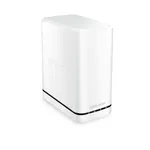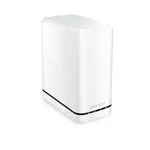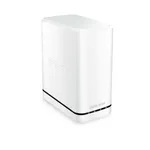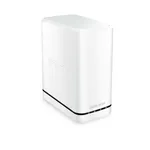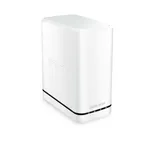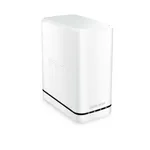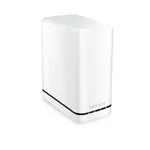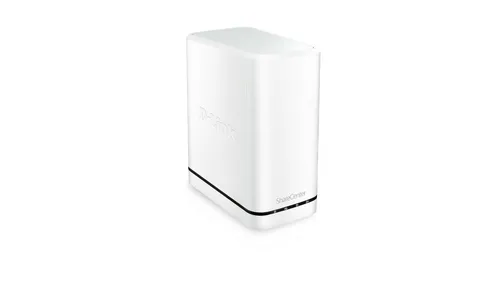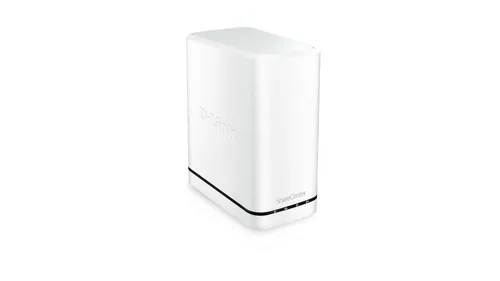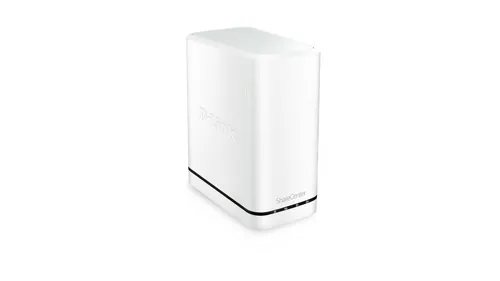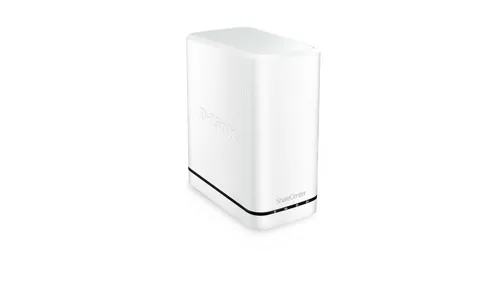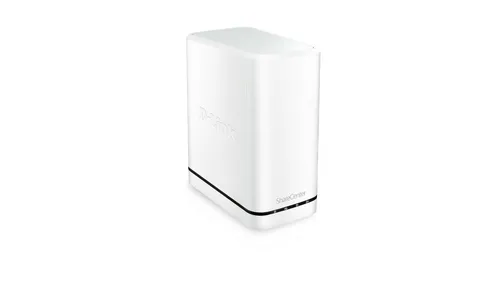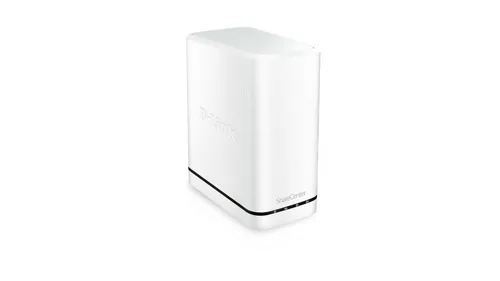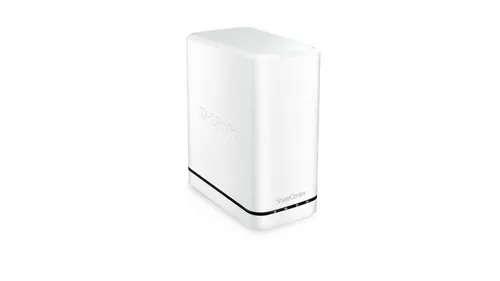


D-Link DNS-320LW Personal Cloud NAS
Specifications
Performance
Performance
| Built-in storage media |
Yes
86% have it
|
|---|---|
| Internal storage capacity |
4
TB
70% better than others
|
| Storage media |
HDD
|
| Number of storage drives installed |
2
|
| File format system |
FAT32/NTFS
|
Ports & interfaces
Ports & interfaces
| Ethernet LAN |
Yes
93% have it
|
|---|---|
| Ethernet LAN data rates |
10,100,1000 Mbit/s
|
| USB connectivity |
Yes
59% have it
|
| USB 2.0 ports quantity |
1
|
Design
Design
| Product colour |
White
|
|---|
Weight & dimensions
Weight & dimensions
| Width |
90
mm
71% better than others
|
|---|---|
| Depth |
144.3
mm
69% better than others
|
| Height |
193.3
mm
74% better than others
|
Certificates
Certificates
| Digital Living Network Alliance (DLNA) certified |
Yes
81% have it
|
|---|
Disclaimer: Information on this page may need review. If you notice any discrepancies, please report them

The D-Link DNS-320LW Personal Cloud NAS represents a straightforward entry point into home network-attached storage, designed for users seeking to centralize their digital media and important files. Its compact form factor and emphasis on ease of use make it an appealing option for those new to NAS technology or looking for a simple solution to back up data and stream media within a home network. While it may not boast the high-end processing power or extensive feature sets of more advanced enterprise-grade solutions, its core functionality is robust enough for typical personal cloud needs.
This device supports up to two hard drives, allowing for scalable storage capacity depending on user requirements and budget. The inclusion of a USB port further enhances its versatility, enabling external drive connectivity for expanded storage or easy data transfer. The DNS-320LW aims to simplify data management and access, providing a centralized hub for photos, videos, music, and documents that can be accessed from various devices on the local network. Its setup and management are geared towards user-friendliness, aiming to demystify the concept of a personal cloud for the average consumer.
Key Features and Performance Considerations
The DNS-320LW is equipped with a processor that, while not explicitly detailed in the provided context, is designed to handle essential NAS functions like file sharing, backups, and basic media streaming. The dual-drive bay is a significant aspect, offering the flexibility to configure storage in various RAID modes (such as RAID 0 for performance or RAID 1 for redundancy), directly impacting data protection and read/write speeds. The network connectivity is standard Gigabit Ethernet, ensuring efficient data transfer rates over a wired network, which is crucial for smooth media playback and quick backups.
Software features typically include a web-based interface for configuration and management, allowing users to set up user accounts, permissions, and access schedules. Remote access capabilities, a hallmark of personal cloud devices, are also a key consideration, enabling users to connect to their stored data even when away from home, although the performance and security of this feature depend heavily on the implementation and the user's network setup. The integration with cloud services or mobile apps, if available, would further extend its utility, offering a more modern and accessible personal cloud experience.
Pros & Cons
Pros
What we love about this product
- Dual-Drive Bay: Supports up to two hard drives, offering flexibility for storage capacity and RAID configurations (RAID 0, RAID 1, JBOD) for performance or data redundancy.
- Gigabit Ethernet: Provides fast wired network connectivity for efficient file transfers and media streaming within the local network.
- USB Port: Includes a USB 2.0 port for connecting external storage devices, expanding capacity or facilitating data backups.
- Personal Cloud Functionality: Enables centralized storage and access to files, photos, music, and videos from multiple devices on the home network.
Cons
Points to consider before buying
- Limited Advanced Features: Lacks the advanced multimedia transcoding, extensive app ecosystem, or high-performance processing found in more premium NAS devices.
- Potential Performance Bottlenecks: The processor and RAM, while adequate for basic tasks, may struggle with simultaneous heavy usage or more demanding applications like extensive media transcoding.
- Basic Remote Access: Remote access capabilities might be less robust or user-friendly compared to modern cloud solutions, potentially requiring more technical configuration.